
How to Publish a YouTube Video and Maximize Your Reach

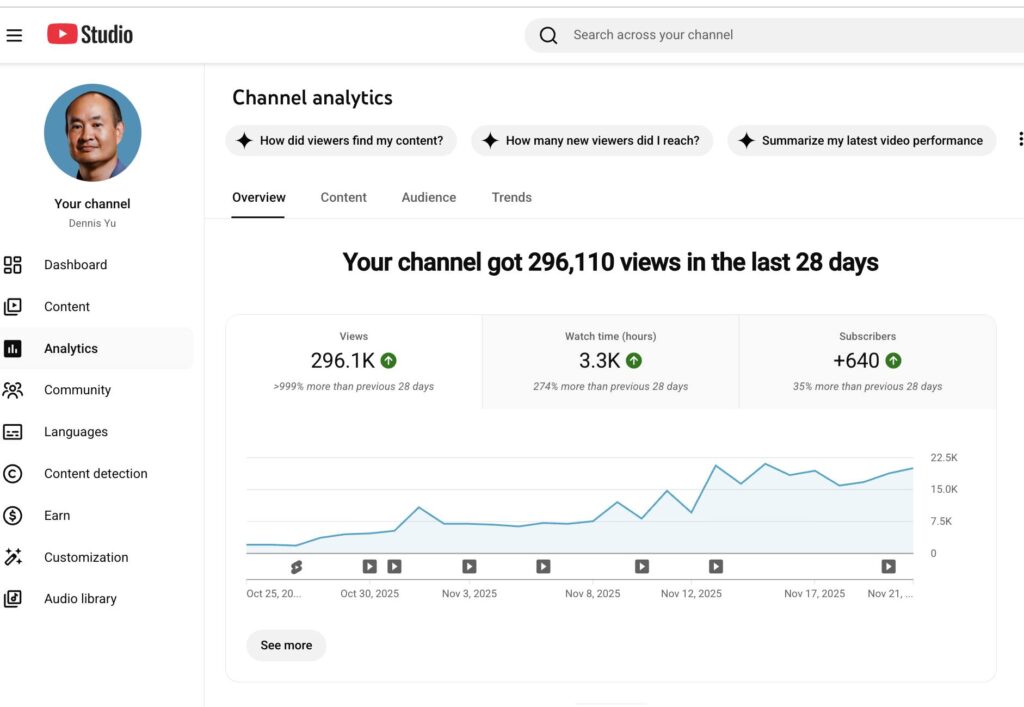
Publishing a YouTube video isn’t simply uploading a file.
The way the video is titled, packaged, structured, and positioned determines whether it gets traction or disappears into the void.
If your thumbnail is weak, your chapters are generic, or your description lacks EEAT context, the algorithm has no reason to promote your content.
And if you skip these steps entirely, you fall into the #1 VA mistake: posting videos that produce zero measurable value and end up hurting ROI.
This guide shows you the exact process we use inside the Content Factory after a video is fully processed and QA’d.
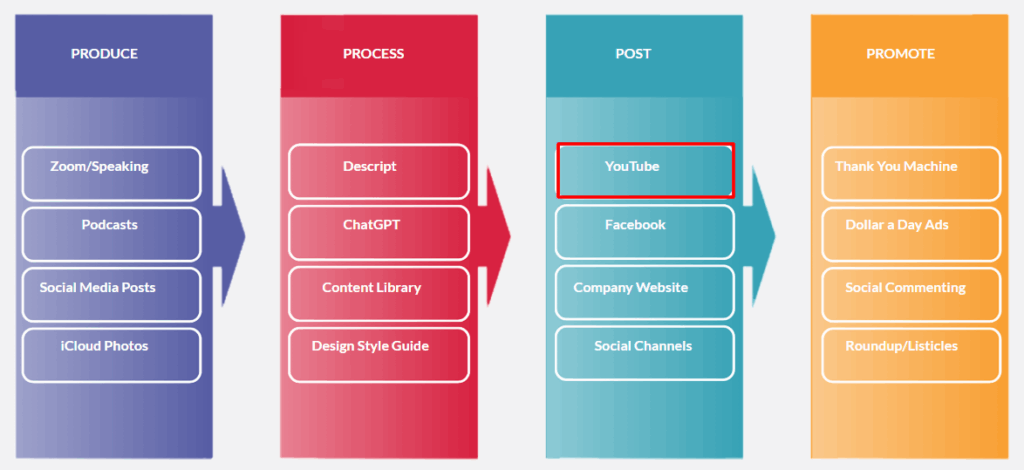
Follow this checklist and your video will be positioned to get higher click-through rates, stronger retention, deeper engagement, and better long-term discoverability.
Step 1: QA the processed video
Before uploading, verify the video is 100% ready:
- Ensure all names, titles, and proper nouns are spelled correctly.
- Make sure the background music is balanced and not overpowering.
- Confirm branding elements (lower thirds, banners, colors) are consistent.
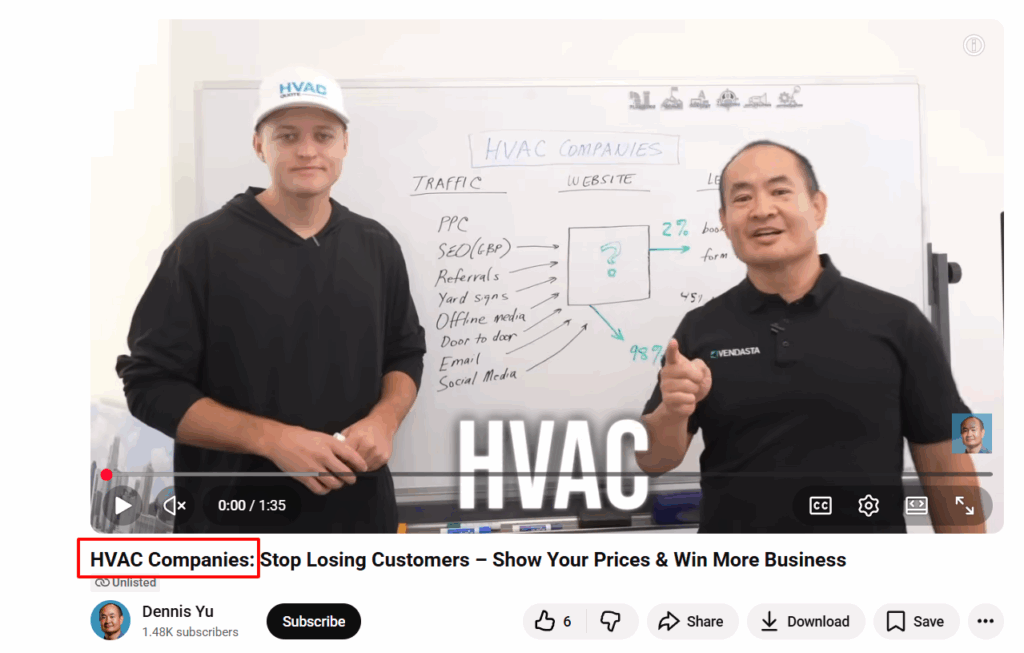
- Check that the final title reflects the message and contains the right keywords.
If the video isn’t perfect before uploading, it won’t magically fix itself afterward.
Step 2: Thumbnails — the most important element
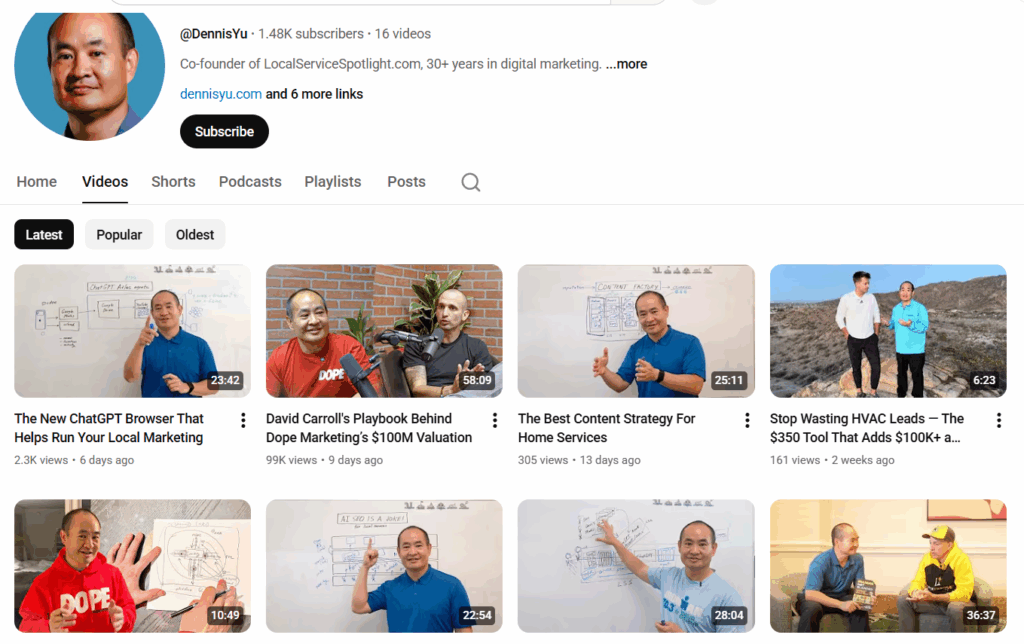
The thumbnail determines whether anyone even gives your video a chance.
Requirements for a good thumbnail:
- Clean, high-quality image.
- Big, bold text (3–5 words max).
- Brand colors used sparingly but effectively.
- Visual clarity even when tiny on mobile.
- Clear emotion or visual hook.
- No clutter, no tiny fonts, no “mystery screenshots.”
Small changes make a big difference, bright colors, sharp contrast, and a clear subject often double click-through rates.
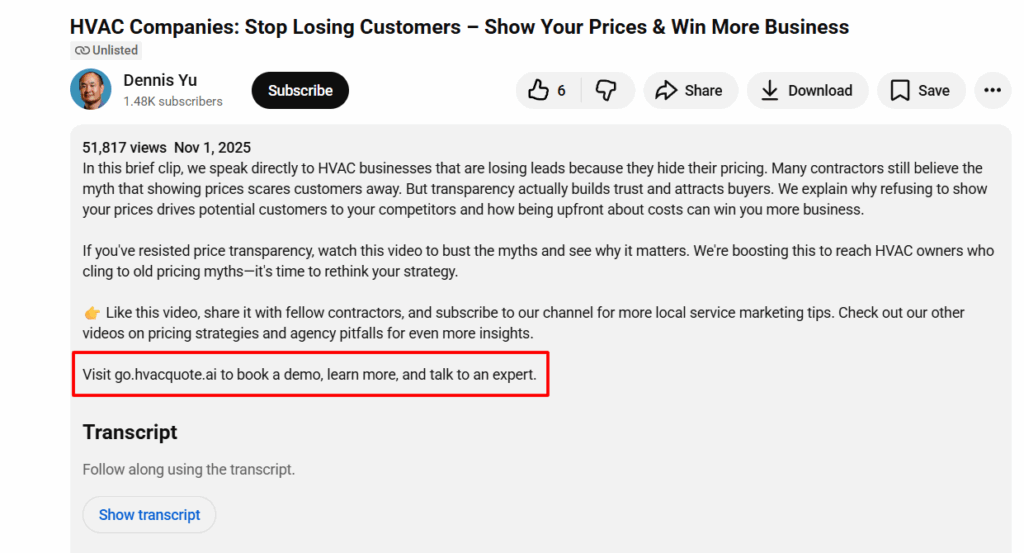
Step 3: Write a strong description with EEAT
A good description helps viewers understand the video and helps YouTube understand whom to recommend it to.
Include:
- Business name and location.
- Services or expertise shown in the video.
- A concise summary of what the video covers.
- A clear CTA (book a call, learn more, visit website).
- Links to relevant videos or articles.
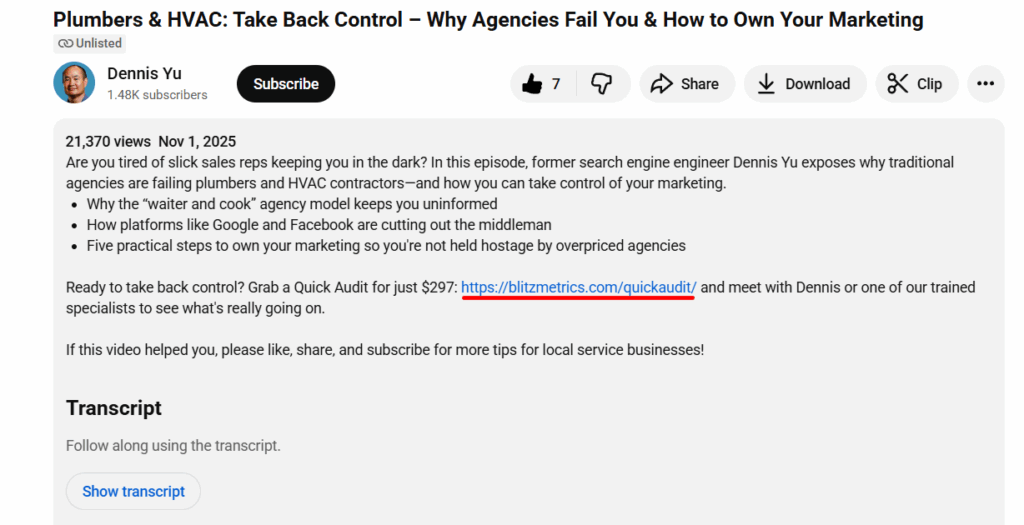
A description is free SEO.
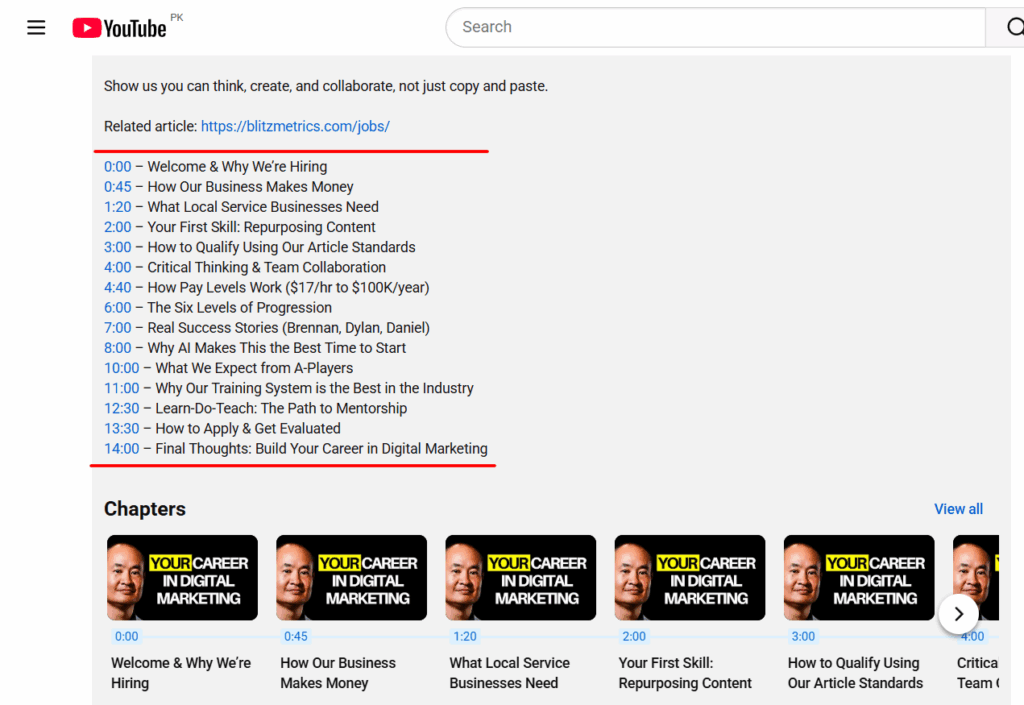
Step 4: Use smart chapters
Chapters make the video more skimmable, add context, and improve watch time.
Guidelines:
- Use timestamps that reflect real topic shifts.
- 6–12 chapters for an hour-long video is common, but not mandatory.
- Avoid flooding the video with micro-chapters.
- For podcasts: break by topic or guest.
- For training videos: break by lesson or module.
Smart chapters make the content easier to consume and easier to rank.
Step 5: Add tags that reinforce discoverability
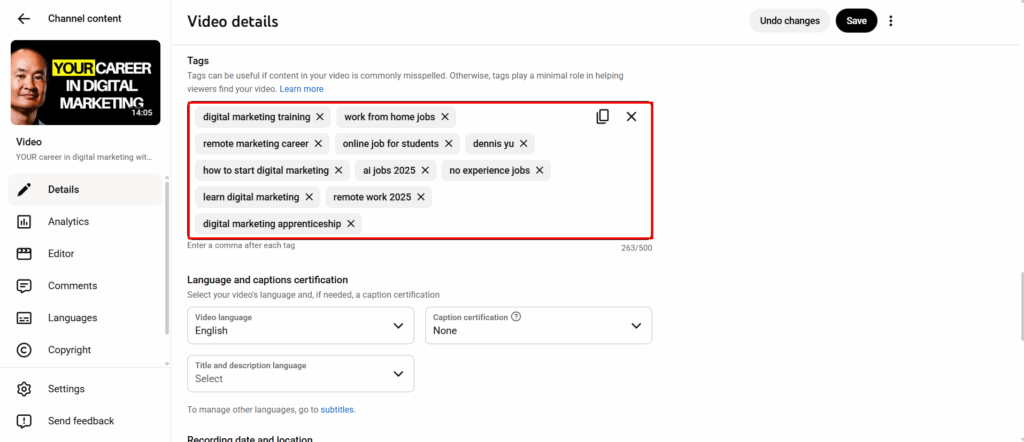
Tags are not the main ranking factor, but they help with variations, misspellings, and context.
Include:
- Service keywords.
- City + service (“Dallas roof repair”).
- Brand names or tools mentioned.
- The business name (if available on Google Maps).
- Collaborator channels or guest names.
Tags shouldn’t be random; they should support the video’s core topic.
Step 6: Add the video to the correct playlists
Playlists help YouTube understand the topic cluster your video belongs to.
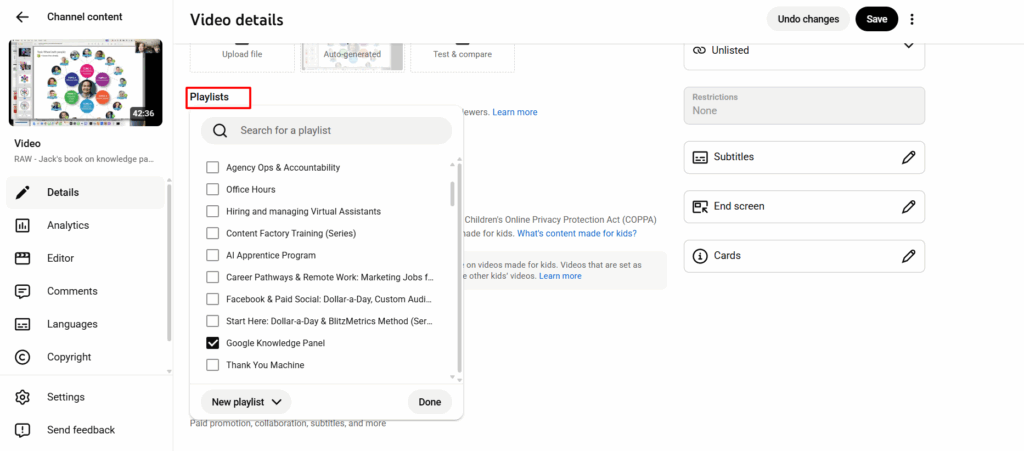
Tips:
- Add the video to an existing playlist that matches the topic.
- Use “smart playlists” to group binge-able content together.
- Don’t leave videos floating on their own, it weakens discoverability.
The more organized your channel is, the easier YouTube can recommend your videos.
Step 7: Monitor for copyright issues or removed content
After publishing:
- Check YouTube Studio for copyright claims or strikes.
- If content is removed, review the reason → fix → reupload.
- Ensure every video has required licensing, disclaimers, and metadata.
Prevention here saves hours of cleanup later.
After uploading: promote and analyze
Once the video is published:
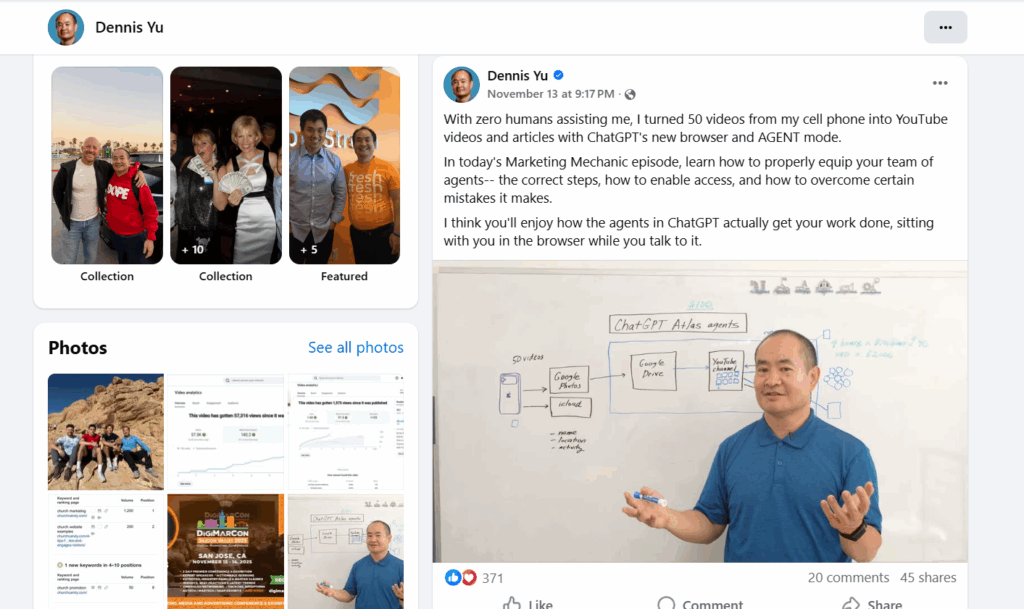
- Share across social media.
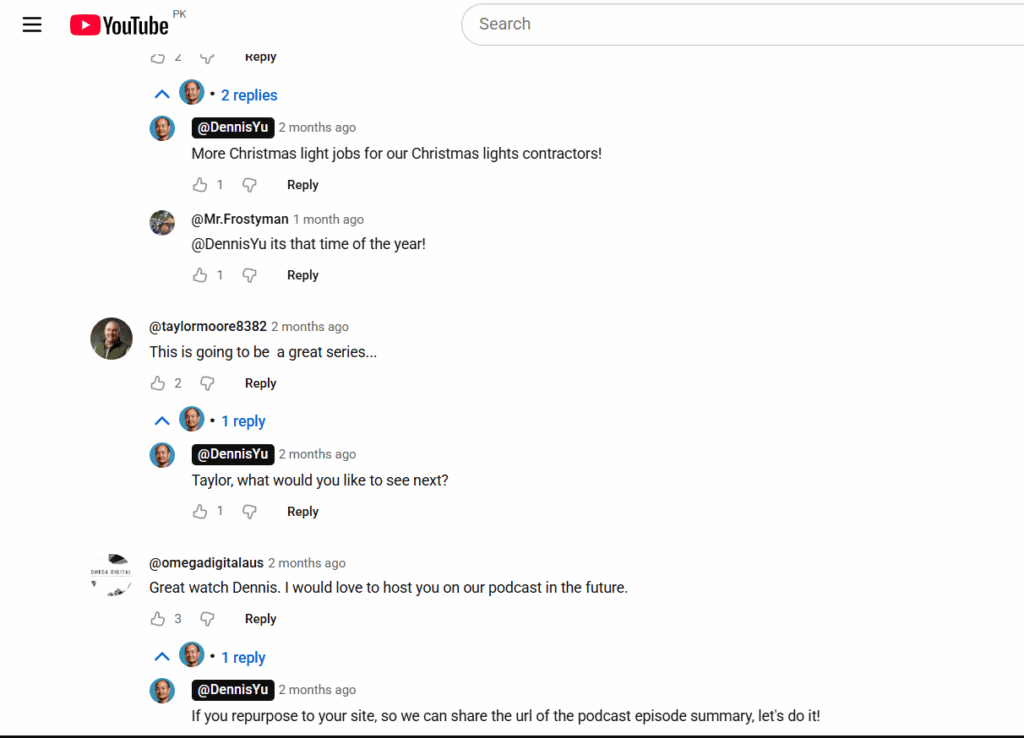
- Respond to viewer comments to build engagement.
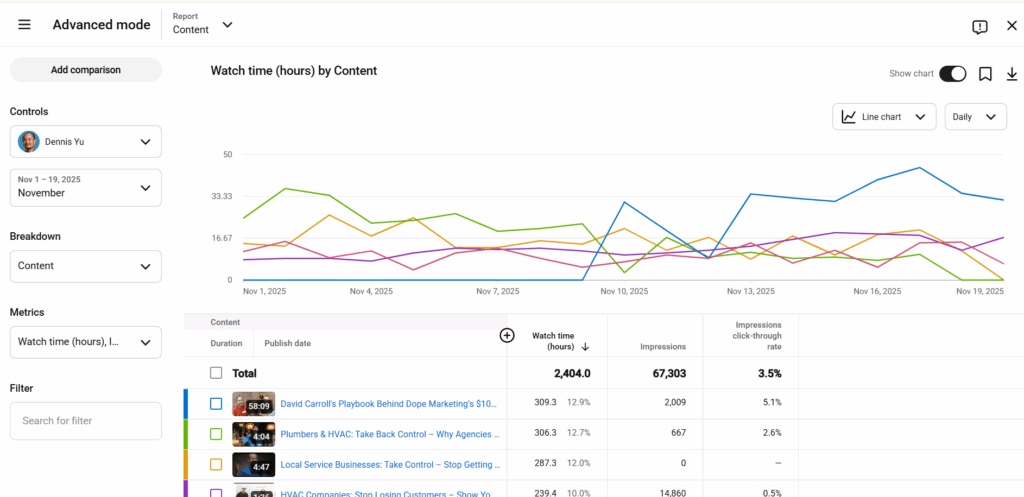
- Monitor key metrics:
- Click-through rate.
- Watch time.
- Audience retention.
- Suggested/recommended traffic.
- Apply insights to improve your next videos.
This is a loop: publish, measure, improve, repeat.
Verification checklist
- Video is fully processed and QA’d.
- Thumbnail is high quality and click-worthy.
- Description includes EEAT details and links.
- Chapters are clear and helpful.
- Tags and playlists are correctly assigned.
- YouTube sheet is updated without breaking previous links.
- Copyright/licenses checked.
- Performance tracking initiated.