
How to Get Into Basecamp

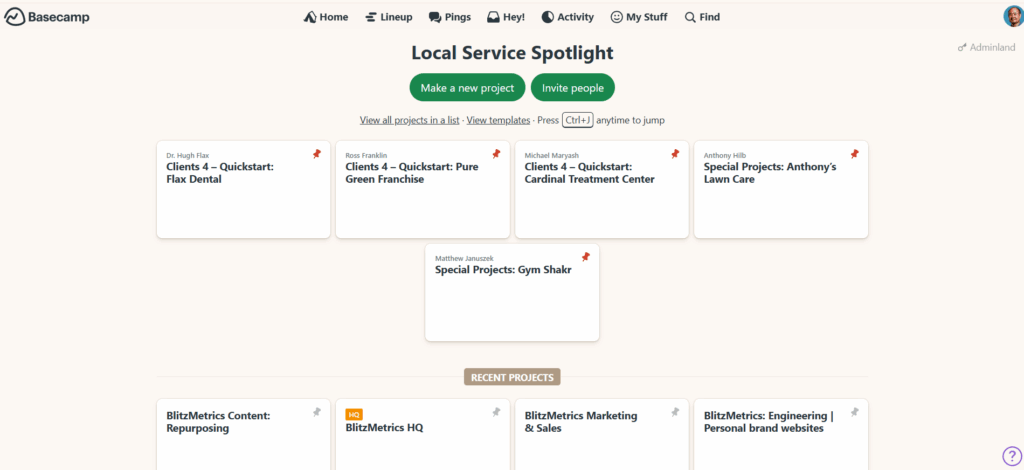
Welcome to the team!
We use Basecamp to manage all client communication, deliverables, and updates. It keeps everything organized; no messy email threads or lost attachments.
Here’s how to get started the right way.
1. Accept the Invitation
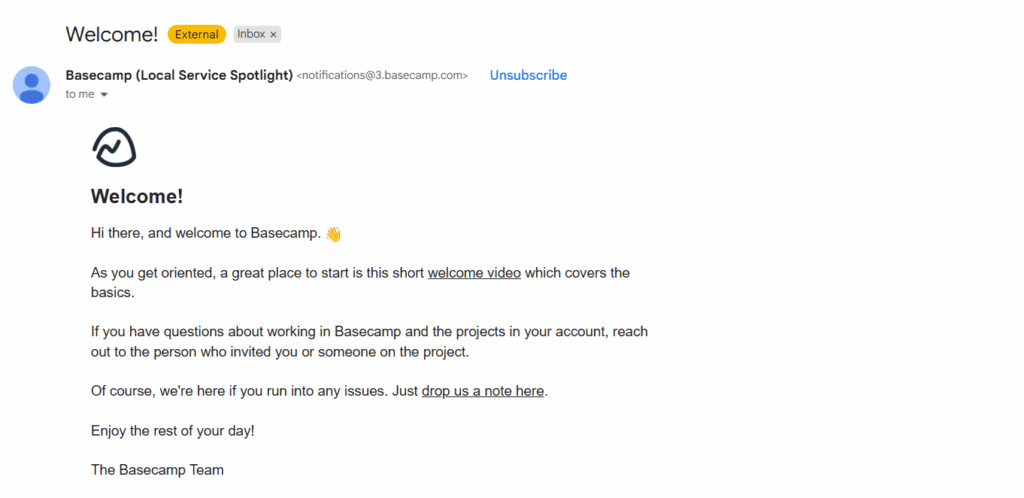
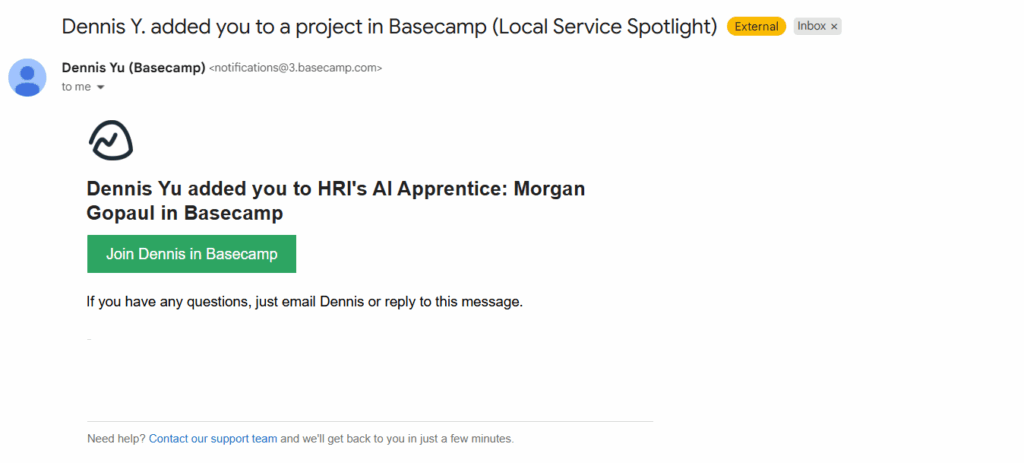
After we add you to your project, you’ll receive an email from Basecamp with the subject line:
“You’ve been invited to Basecamp!”
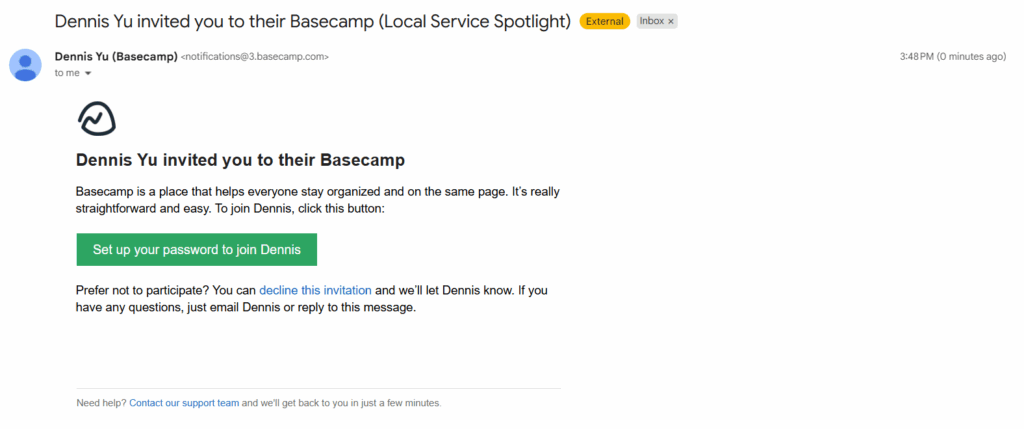
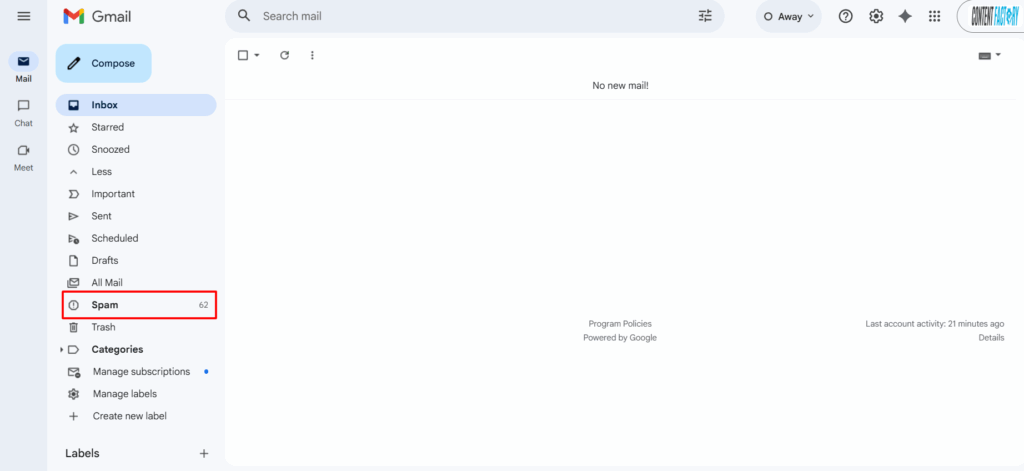
If you don’t see it, check your spam or promotions folder.
Click the join project or accept invitation button in that email.
2. Create or Log In to Your Account
If this is your first time using Basecamp:
— Click create an account and use the same email address where you received the invite.
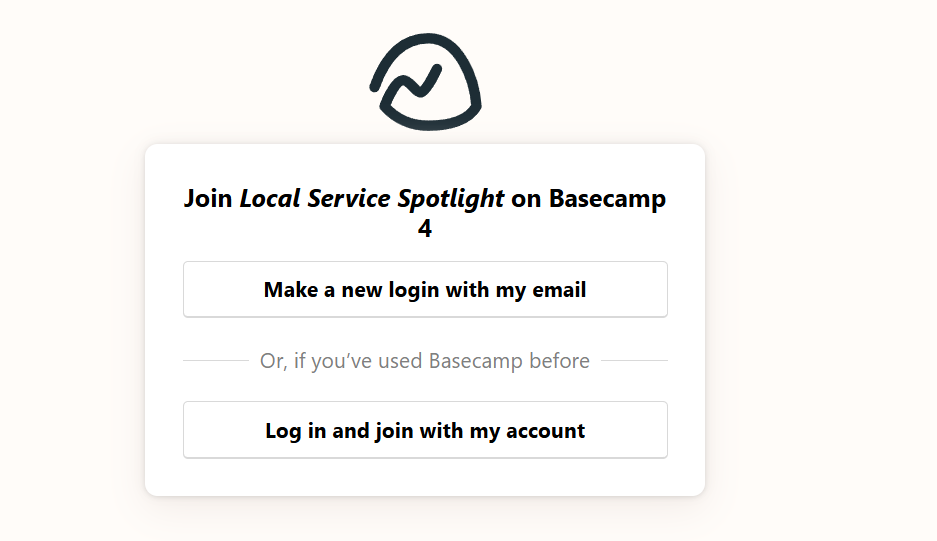
— Set a password you’ll remember.
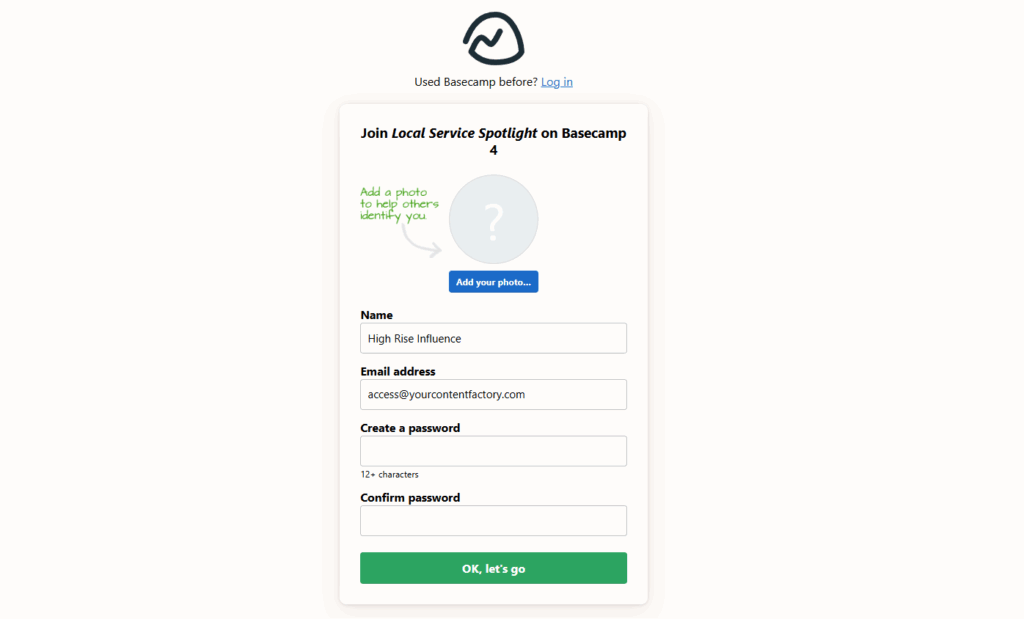
If you already have a Basecamp account: just click log in and you’ll be added to our workspace automatically.
3. Access Your Project
Once you’re in, you’ll see your project (for example, “AI Apprentice Program” or your business name).
Click on it to open your workspace.
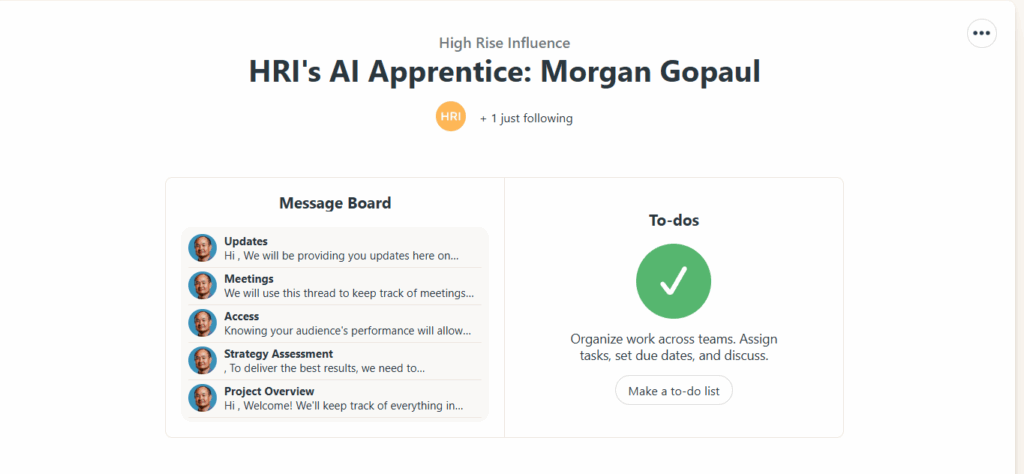
Inside you’ll find:
- Messages: announcements and updates from our team.
- To-Dos: tasks and milestones we’re tracking.
- Docs & Files: all shared assets, templates, and deliverables.
- Campfire: a group chat for quick discussions.
Tip: Bookmark your Basecamp project page so you can access it anytime.
4. Add Your Team (Optional)
If you have team members who should be looped in (like an assistant, marketing lead, or operations manager) let us know.
We’ll invite them too, so communication stays transparent and efficient.
5. Need Help Logging In?
If you see an error like “You don’t have access”, it usually means:
- You’re using a different email than the one invited, or
- The invite link expired (they do after a while).
No problem, just reply to your onboarding email or email Operations, and we’ll reset your access right away.
Final Tip
Basecamp is your control center for everything we do together. Keep notifications on, and check in at least once a week for updates, approvals, and progress reports.
Welcome aboard; we’re glad to have you!