
How to Recover Facebook Page Access When Business Manager Is Inaccessible

If your Facebook Page looks normal but refuses to connect to ad accounts, agencies, or partners, this article explains what’s happening and how to fix it.

This issue usually appears with Pages that were created years ago or originally set up by a former agency, employee, or partner. Even though your Facebook page access may list you as an admin, business-level actions silently fail.
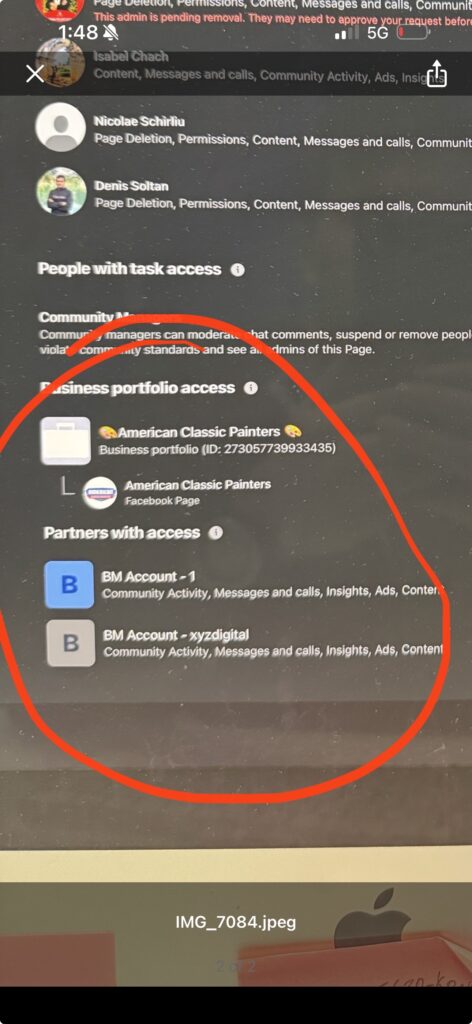
It’s a Business Manager ownership problem.
What’s Actually Broken
Every Facebook Page can be owned by only one Business Manager.
When that owning Business Manager is no longer accessible (because it was deleted, locked, or controlled by someone who is no longer involved) Meta blocks all business-level actions on the Page.
You might still be able to post, change settings, and add individual admins. That creates the illusion that everything is fine. But behind the scenes, Meta will not allow the Page to connect to ad accounts, agencies, analytics tools, or partner businesses.
Personal admin access does not override Business Manager ownership.
Why Access Requests Look Like They Work (But Don’t)
Meta allows business access requests to be sent and even “accepted,” but when a Page is owned by another Business Manager, the connection never completes.
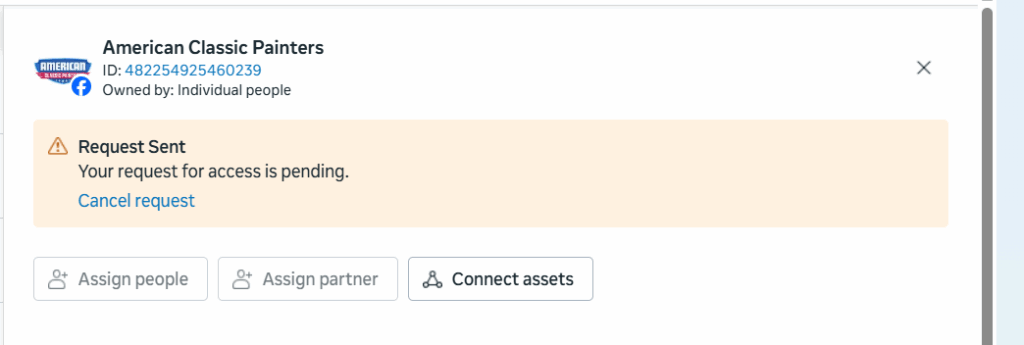
There is no error message.
Meta simply rejects the request silently because only the owning Business Manager is allowed to approve business-level access. Any request made outside of it is automatically blocked.
This is why people get stuck in loops adding admins and resending requests that never stick.
How to Confirm This Is Your Problem
Log into business.facebook.com using the Business Manager you control and open Business Settings.
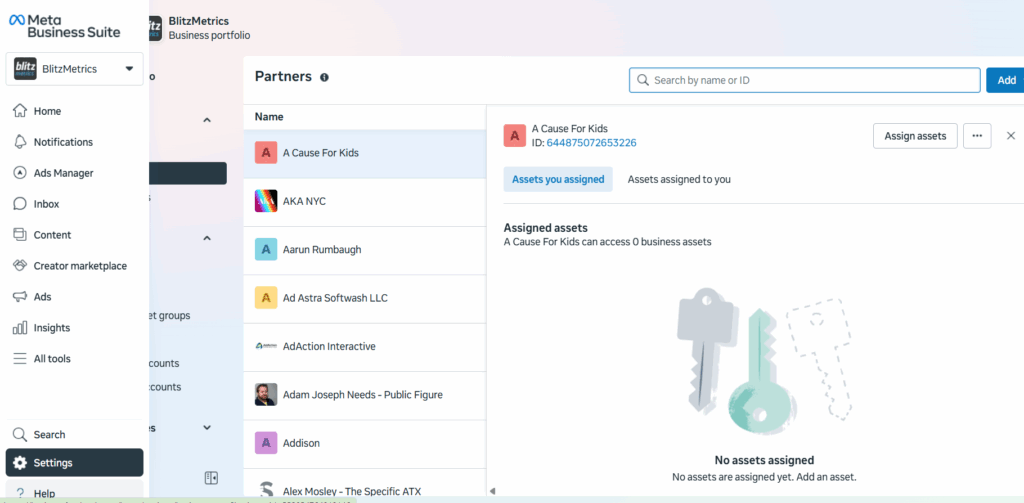
If your Page is missing entirely, or if you can see it but cannot assign partners, connect ad accounts, or manage assets properly, it is almost certainly owned by another Business Manager.
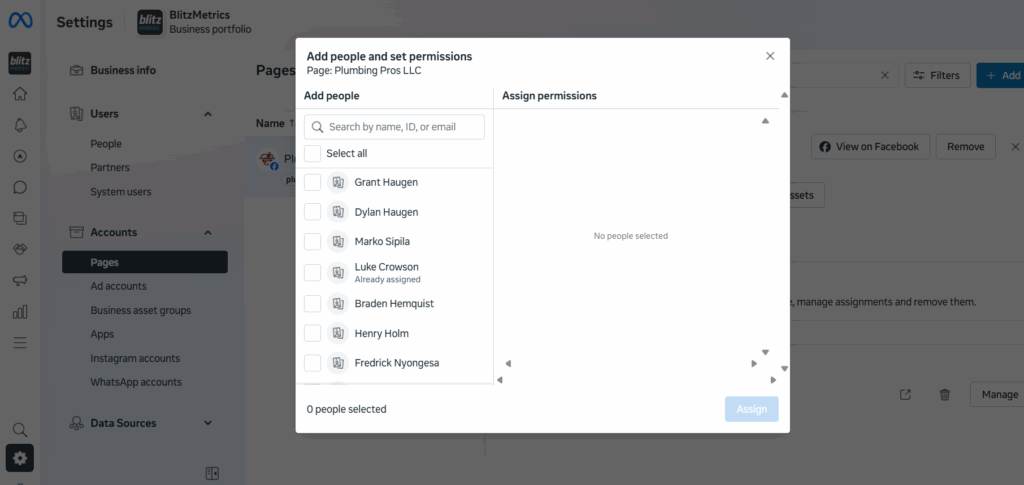
At that point, there are only two possible solutions.
Option One: Fix It Through the Original Business Manager
If anyone still has access to the original Business Manager that owns the Page, the issue can be resolved immediately.
That person must log into the original Business Manager, open Business Settings, select Pages, and add your Business Manager as an admin on the Page.
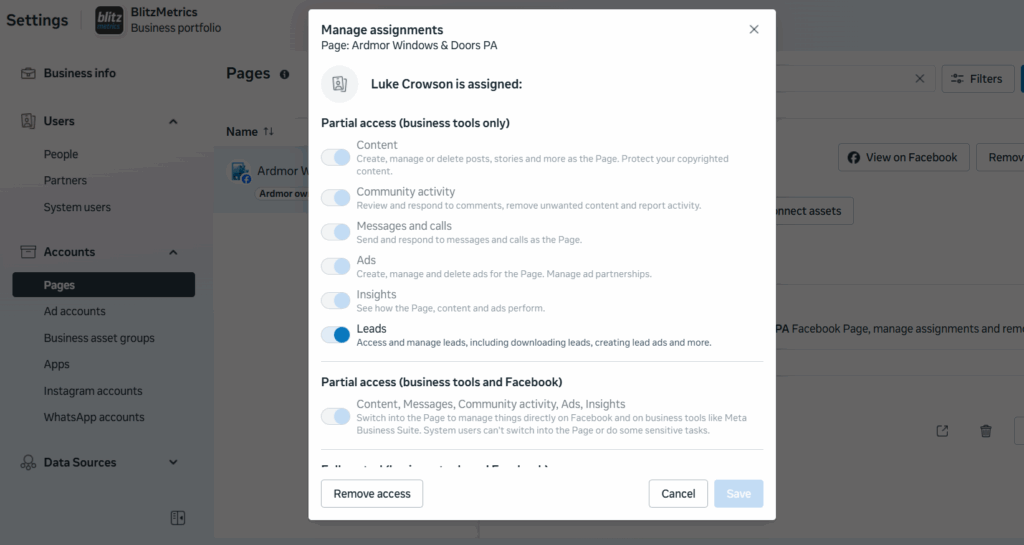
Once that happens, the Page instantly becomes fully usable. Ads, analytics, and partner access work without any review or approval from Meta.
If this option is available, take it. Nothing else is faster or cleaner.
Option Two: Request Page Ownership From Meta
When the original Business Manager is no longer accessible, ownership must be transferred by Meta.
To do this, log into the Business Manager you control and go to the Meta Business Help Center.
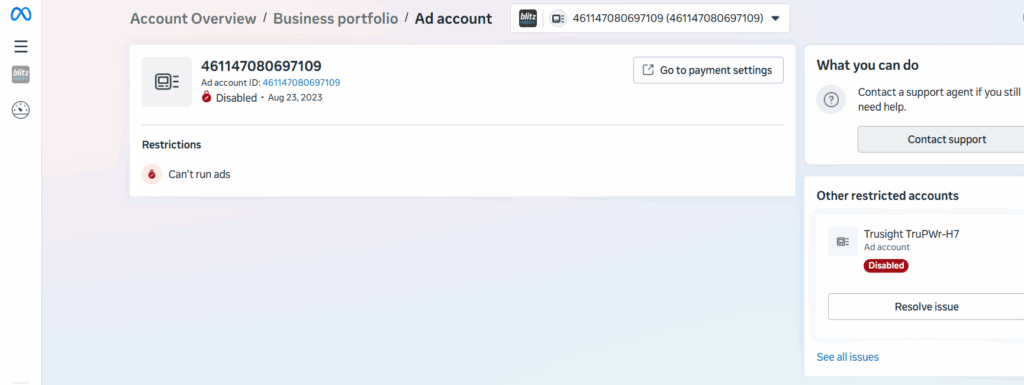
Choose Pages, then Page access or ownership, and select the option indicating that another business owns your Page.
If the exact option doesn’t appear, searching for “Facebook Page ownership dispute” will lead you to the correct form.
Meta will ask for documentation proving that your business legally owns the brand represented by the Page. This usually includes a business license or incorporation documents, along with a utility bill or tax document showing the same business name and address. You will also need to provide the Page URL and your Business Manager ID.
All information must match the Page’s business name. If it doesn’t, Meta will reject the request with little or no explanation.
What Happens After Submission
Meta reviews the request manually. This typically takes several business days, though it can take longer if additional verification is required.
Responses are sent by email, often to spam folders, so checking regularly is important.
If the request is approved, ownership of the Page is transferred to your Business Manager automatically. No additional steps are required.
Why Adding Individual Admins Never Solves This
Meta treats people and businesses as separate entities.
Adding a person as a Page admin only grants surface-level control. It does not transfer business ownership and does not unlock ads, partners, or asset management.
Only the owning Business Manager can perform those actions. Until ownership is corrected, business access will continue to fail no matter how many admins are added.
What to Do After Ownership Is Fixed
Once the Page is owned by the correct Business Manager, everything works normally again.
You can assign partners using Business Manager IDs, connect ad accounts, and grant agencies proper access without restrictions.
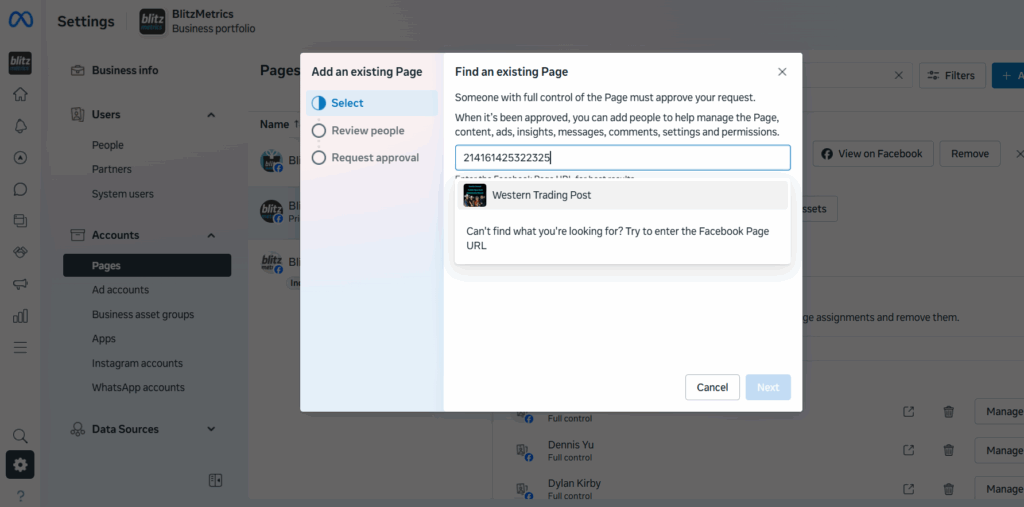
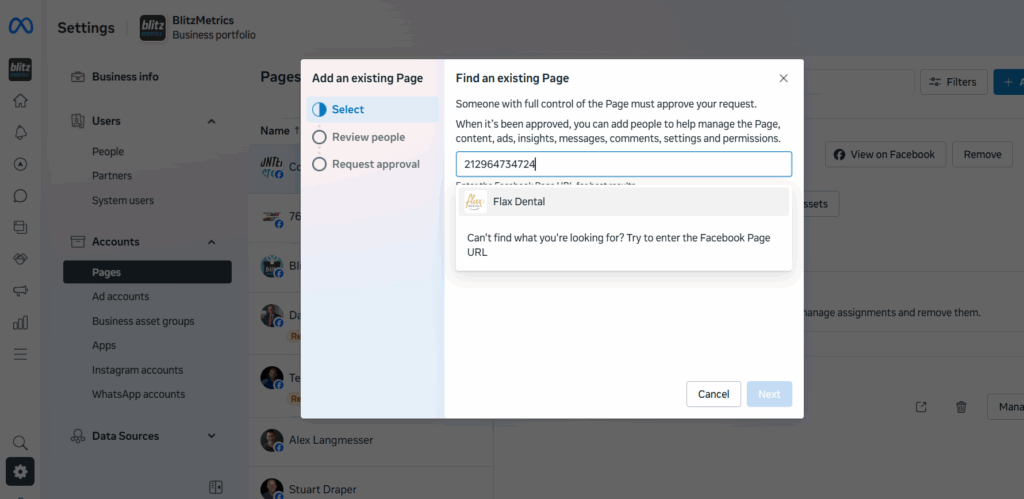
At that point, the problem is fully resolved.