
Why Every YouTube Video Must Have Its Language Explicitly Set to English

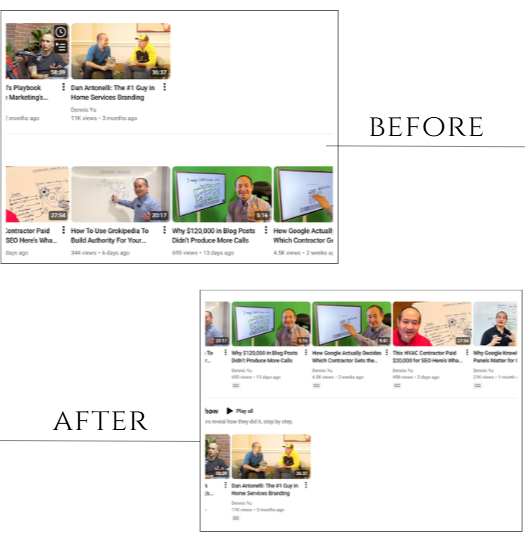
YouTube uploads are the first operational step in the Content Factory.
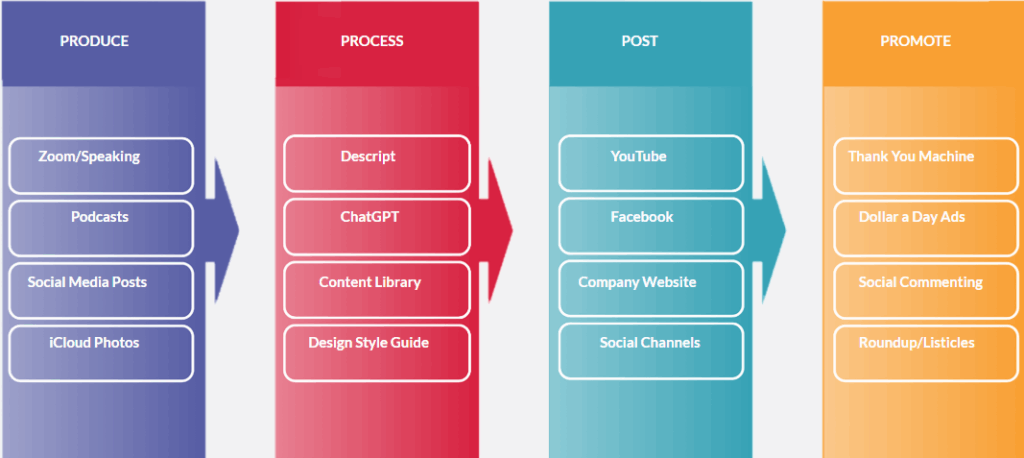
When you upload a video to YouTube, you create the source asset that feeds everything else.
Captions become transcripts. Transcripts become articles. Articles turn into social posts, SEO assets, and promotion.
If the upload step breaks, the entire system slows down or stops. Small configuration errors at this stage create large downstream failures.
The problem: YouTube will not generate captions without a video language
YouTube requires an explicit video language to generate captions.
When uploaders skip this setting, YouTube often fails to create subtitles.
The gray CC icon never appears, and transcripts remain unavailable.
Channel defaults do not fix existing videos
Many people assume that setting the channel’s default language to English solves the problem. It does not.
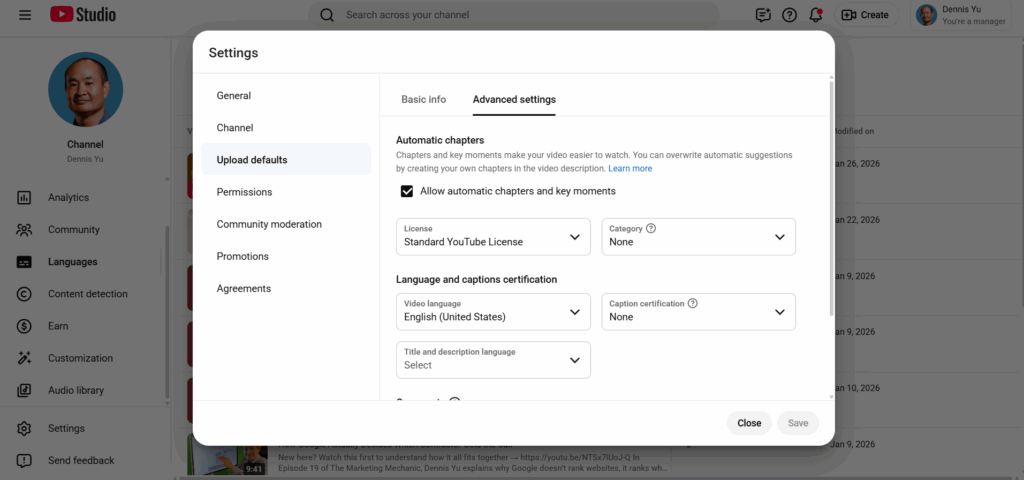
Channel defaults apply only to future uploads. They do not update existing videos.
Videos uploaded without a language selection stay broken until someone fixes them manually.
How to identify the issue
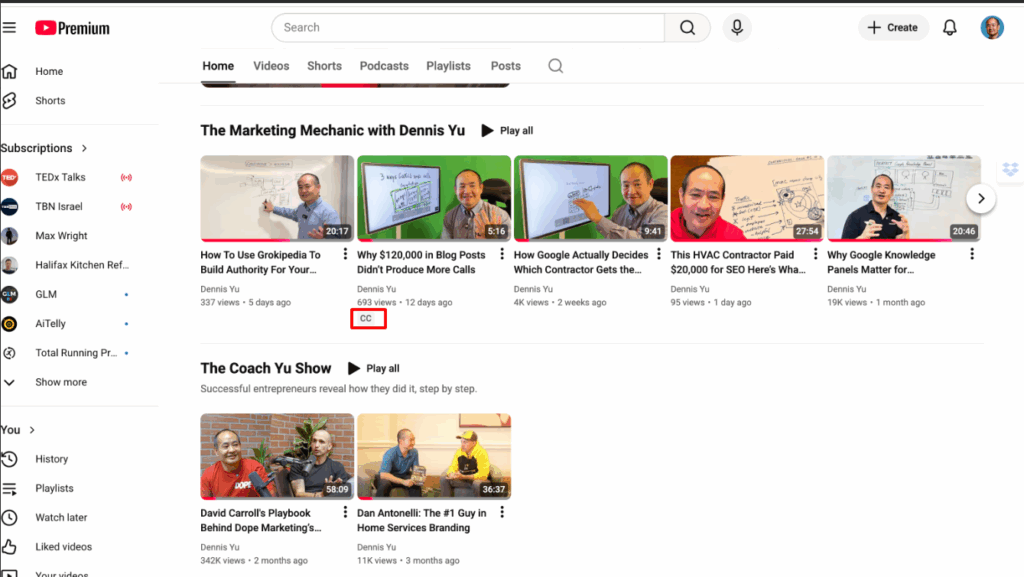
You can spot the problem directly on the channel page.

Videos with captions display a gray CC icon beneath the thumbnail.
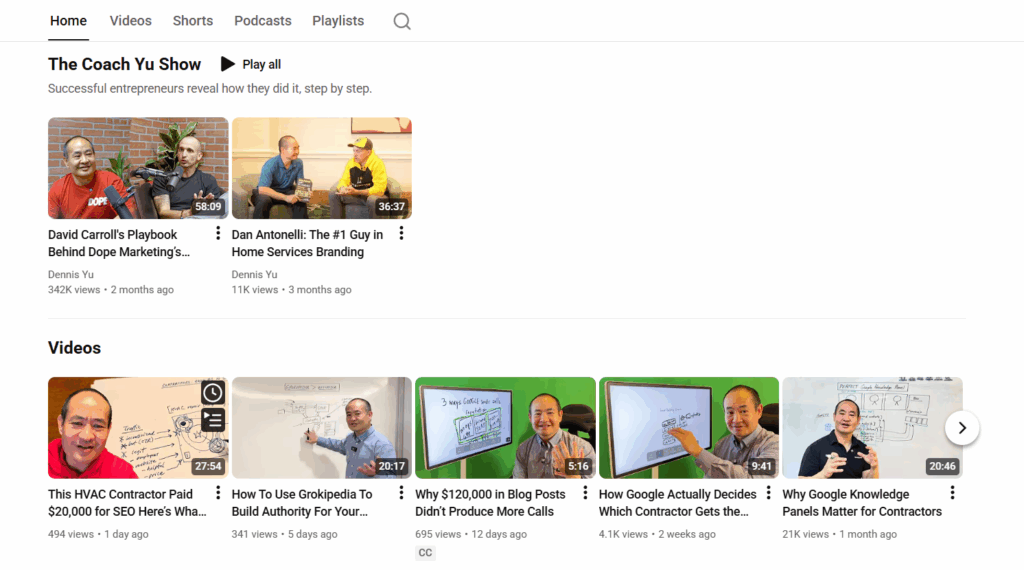
Videos without that icon almost always lack captions because no one set the video language.
YouTube Studio confirms the issue. When you open a video’s details and check the language and captions section, a blank language field indicates the root cause.
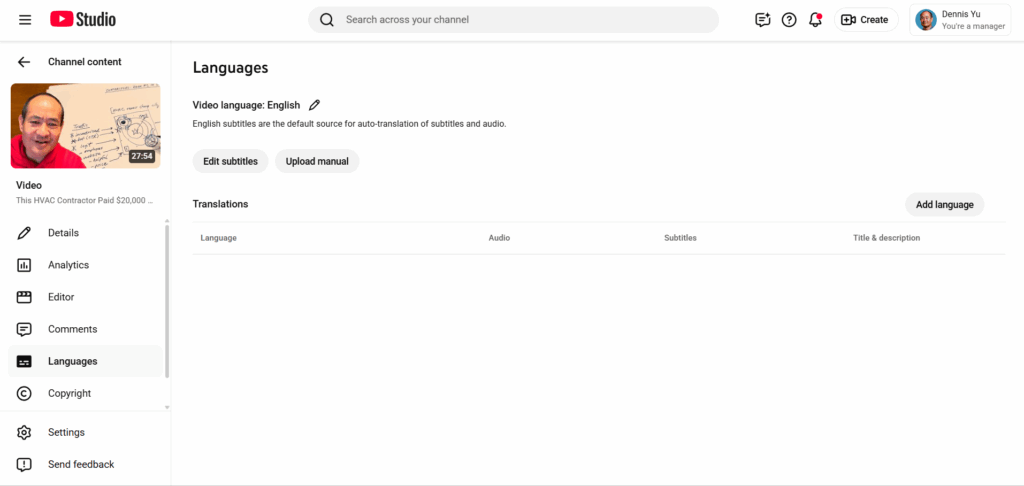
How to fix existing videos
You must fix each affected video individually.
Open the video in YouTube Studio, set the video language to English, and save the change.

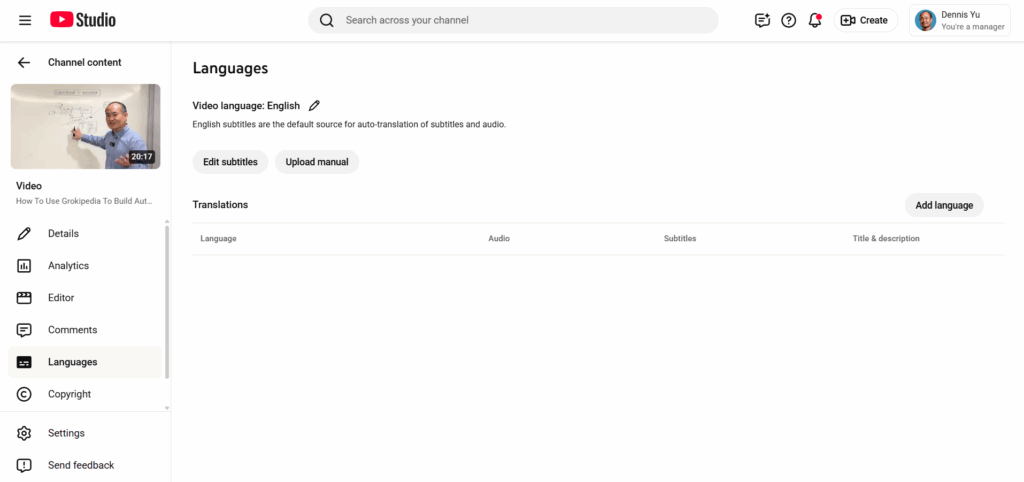
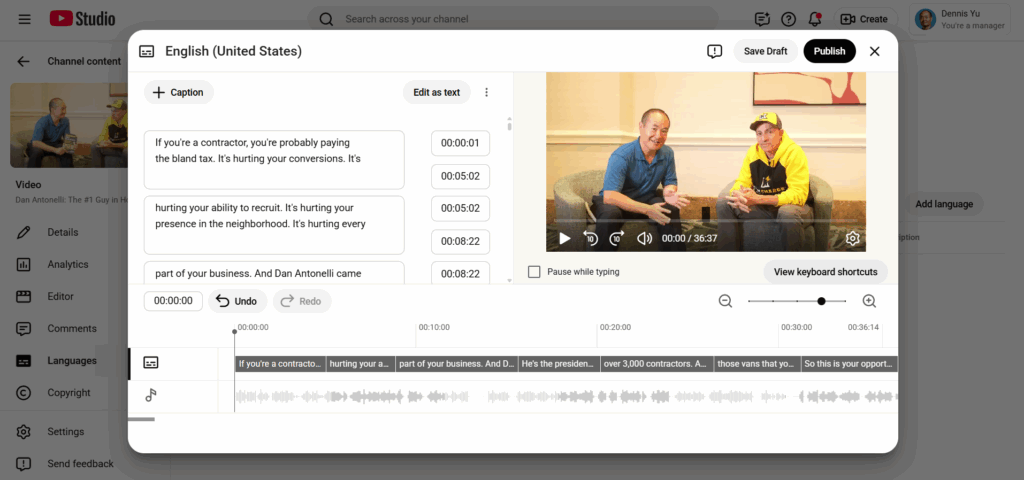
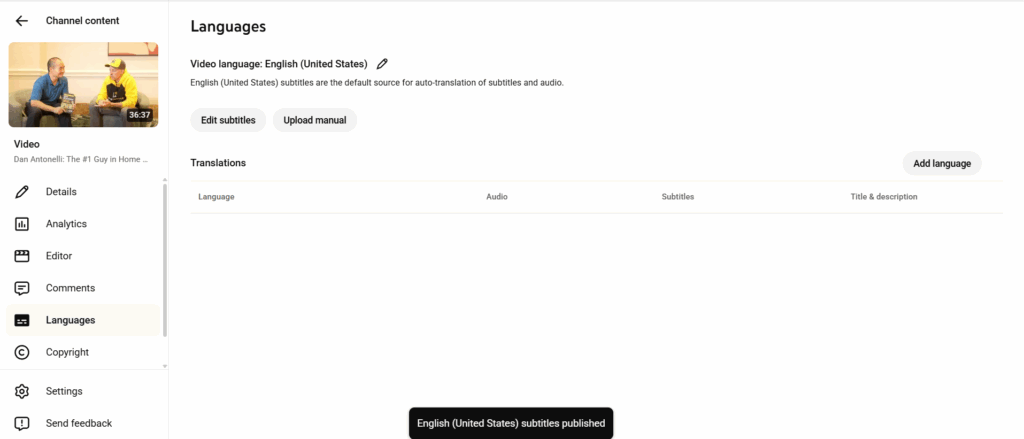
YouTube then generates captions, usually within minutes or hours.