How to Access Our Custom GPTs on the Business Account

Welcome aboard!
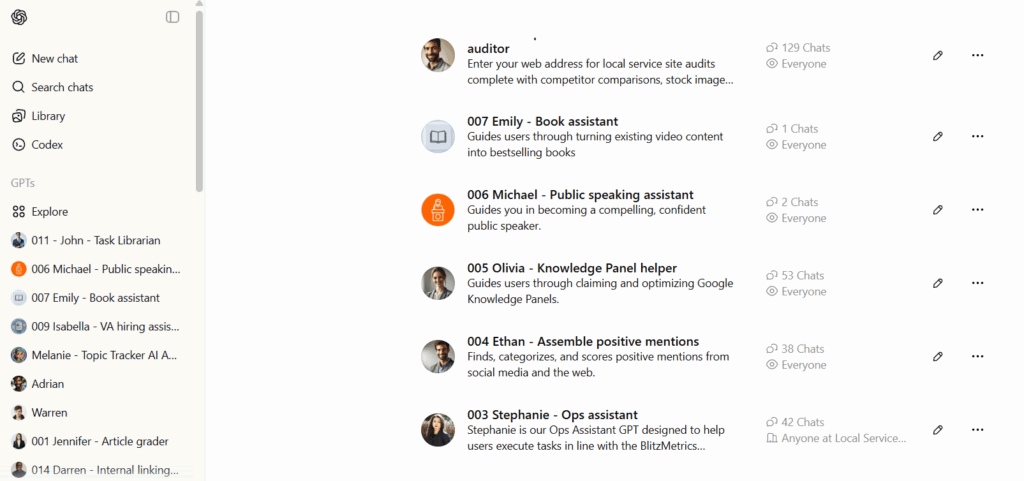
Once you’ve been added to our ChatGPT business account, you’ll have access to all the custom GPTs we’ve built to make your work faster, smarter, and more consistent.
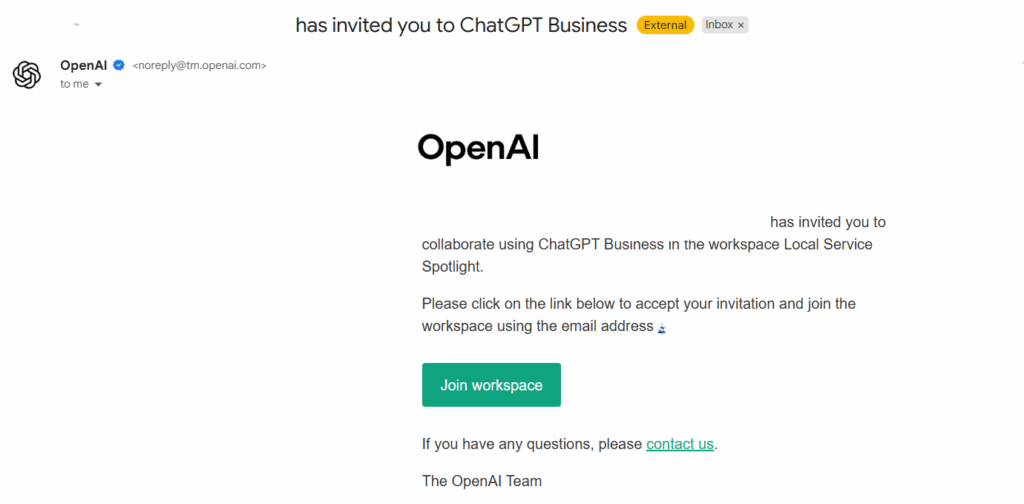
If you’re not yet on our business workspace, find out who qualifies and how we handle access costs here:
Who Gets Free Access to Our ChatGPT business account
If you’re on our business account, you don’t need to rebuild or search for them; you can just click the links and start using them instantly.
Step 1: Log Into the Business Account
1. Go to chatgpt.com.

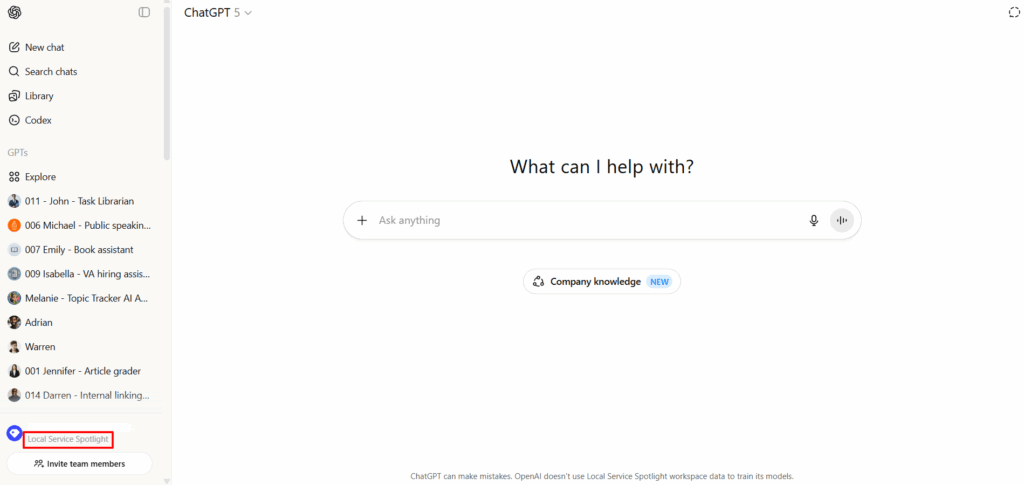
2. Make sure you’re logged in under the Local Service Spotlight workspace, not your personal account.
Step 2: Access the Custom GPTs
Once you’re in the workspace, you can access our custom GPTs by clicking the links below.
Each one is designed for a specific part of the Content Factory or internal operations.
Our Custom GPT Library
| # | Purpose | Publically available |
|---|---|---|
| 001 Jennifer | Article Grader – Evaluates blog posts and articles for tone, accuracy, and structure. | X |
| 002 Brandon | Blog Post Helper – Outlines, writes, and edits blog posts based on your notes or transcripts. | ✓ |
| 003 Stephanie | Ops Assistant – Handles documentation, SOPs, and task management support. | X |
| 004 Ethan | Assemble Positive Mentions – Finds and organizes mentions, articles, and awards for clients. | ✓ |
| 005 Olivia | Knowledge Panel Helper – Builds and maintains client knowledge panels for SEO authority. | ✓ |
| 006 Michael | Public Speaking Assistant – Helps craft bios, intros, and speech outlines. | ✓ |
| 007 Emily | Book Assistant – Assists in compiling and structuring books or eBooks. | ✓ |
| 008 Christopher | Local Service Website Auditor – Analyzes local business websites for SEO and usability. | ✓ |
| 009 Isabella | VA Hiring Assistant – Screens applicants and helps build job descriptions or SOPs. | ✓ |
| 010 Melanie | Topic Tracker AI Assistant – Monitors and organizes ongoing content topics. | X |
| 011 John | Task Librarian – Searches and suggests existing SOPs, templates, and training materials. | X |
| 012 Adrian | Local Service Page Builder – Generates optimized service pages for local SEO. | X |
| 013 Warren | Free-Ebooks.net Assistant – Manages eBook creation, upload, and promotion workflows. | X |
| 014 Darren | Internal Linking Expert – Builds SEO-friendly internal link structures. | X |
| 015 Nick | P&L Calculator – Estimates profit and loss for agency and client operations. | X |
| 016 Riley | EOD Report Assistant – Helps summarize daily updates for internal reporting. | ✓ |
Step 3: Click and Go
Once you’re logged in with access:
- Click a GPT link.
- It’ll open directly inside ChatGPT.
- You can start chatting with that assistant immediately.
If you see a “Request Access” message, that means:
- You’re not logged into the business workspace.
- Or you haven’t been added yet (contact Operations).
Pro Tip
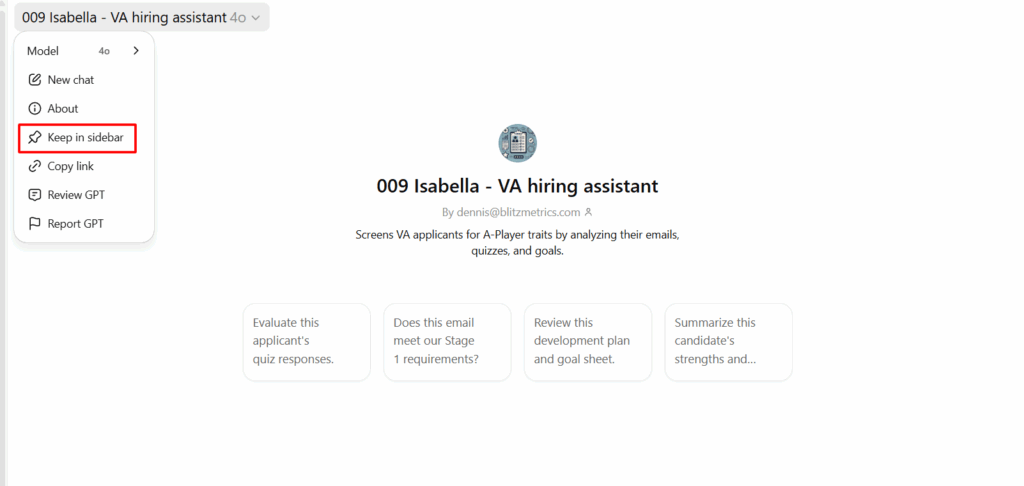
Bookmark the GPTs you use most often!
In ChatGPT, click the keep in sidebar icon on any custom GPT to pin it to your sidebar for quick access.