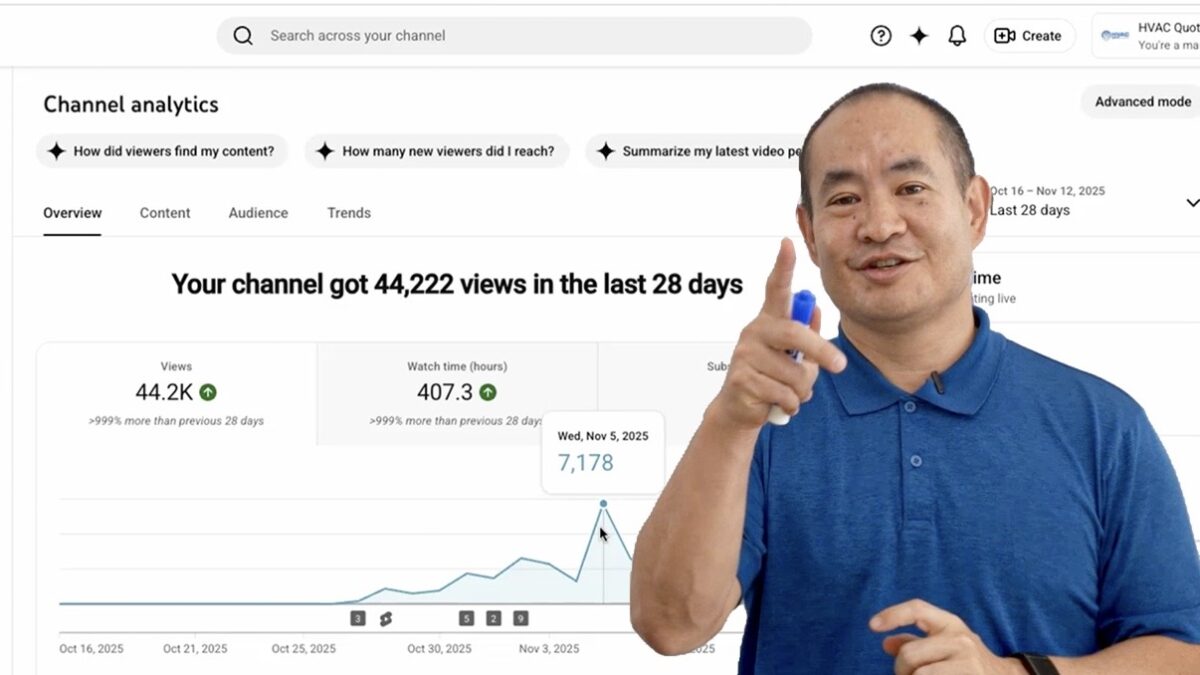
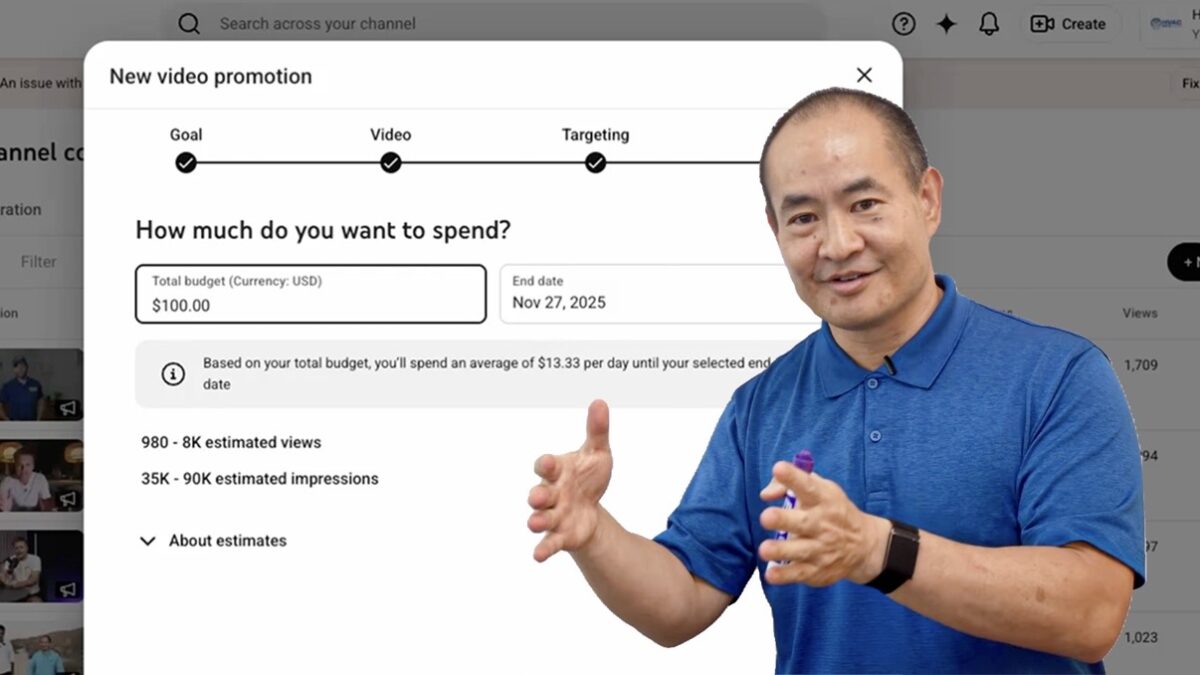
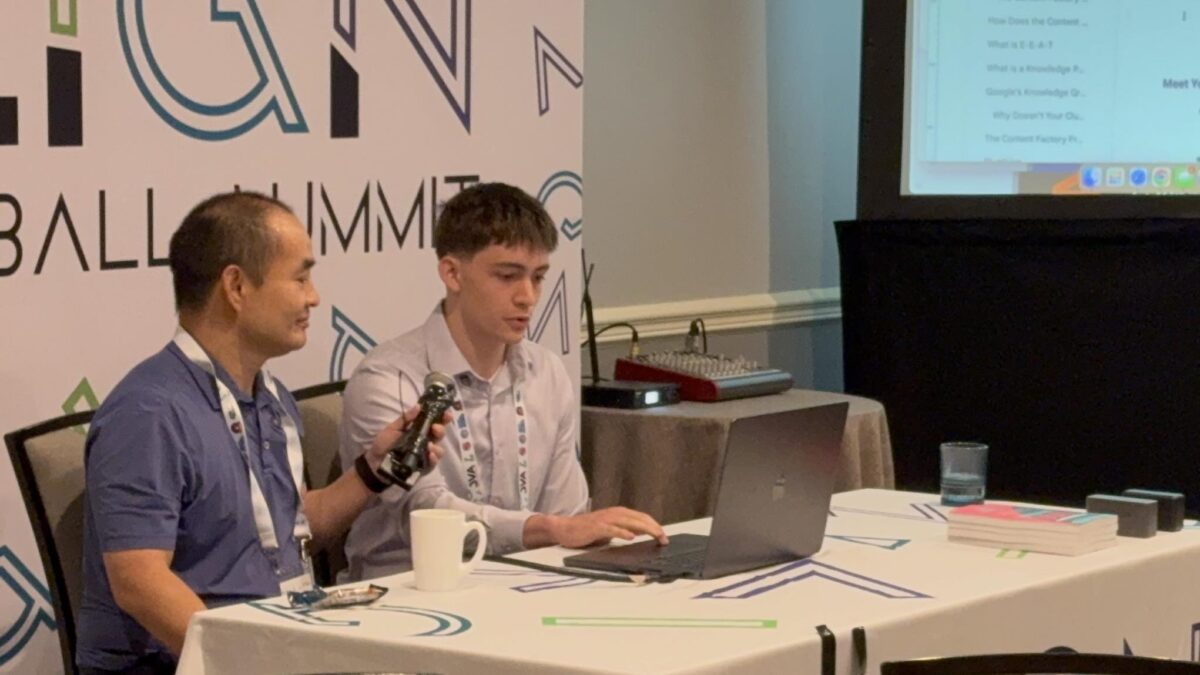
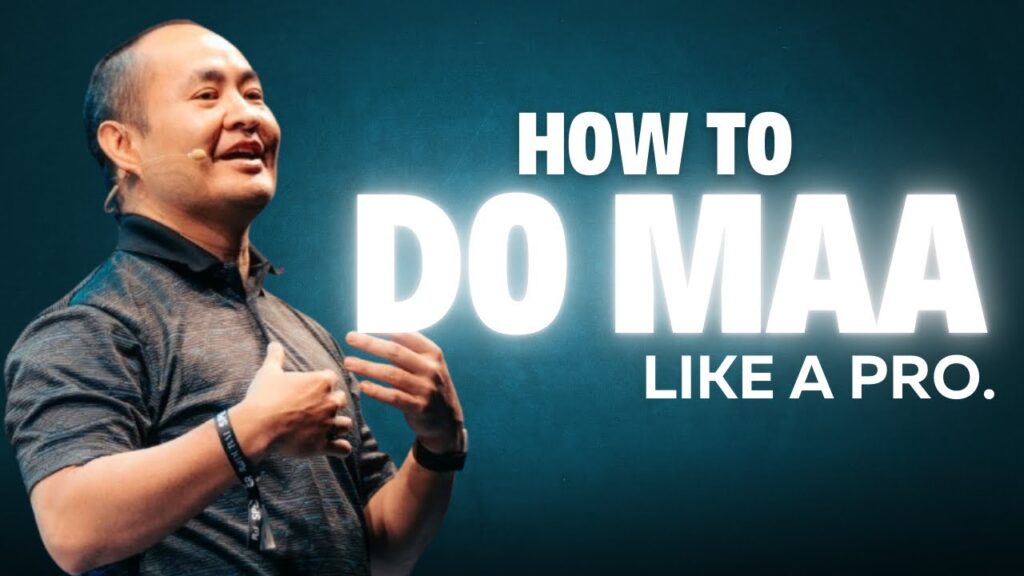
When most people see a YouTube ad, they skip within seconds. Dennis Yu opened this section of his DigiMarCon session with the opposite scenario: a 29-second clip that holds 98.6% of viewers all the way through. No actors. No studio. No script. Just a raw moment with a real sales rep named Alex.
The knee-jerk reaction is to assume that the watch rate results are fake—bots, bad data, or some trick in the setup. But the numbers are real, and the leads they generate are very real. The reason they work comes down to a simple principle Dennis repeated throughout the training: the content itself is the targeting.
In the session, Dennis pulls up a short YouTube ad featuring Alex, one of HVAC Quote’s top sales reps. When leads come in, they get booked with her, and she’s the one walking HVAC owners through the tool and closing demos. Dennis explains that Alex was very shy and didn’t want to be on video at first, but he convinced her to try a quick, casual clip with the reassurance that it wasn’t live and they could always redo it. On camera, she simply talks through what she sees every day: homeowners want price first, HVAC companies worry about objections, and the quoting tool lets them show pricing upfront while still positioning against competitors. She’s not a marketer, not a “video person” — she just knows the product and the customers. That authenticity, combined with the high watch time on the ad, is what sends a strong signal to YouTube’s algorithm and keeps driving qualified leads.
Once that signal kicks in, the machine goes to work. YouTube shows the clip to more people who behave like the ones who watched the whole thing. Then it retargets the ones who stayed for the next set of clips. No complex targeting. No lookalikes. No giant ad budget. Just behavior doing the heavy lifting.
Dennis pointed out that the performance wasn’t an accident or an outlier. The video continues to deliver leads months later. Watch-time stays stable, cost per lead stays low, and the system keeps finding the right HVAC companies because the viewer reactions shape the audience far better than any manual filter ever could.
It’s a reminder that marketers often over-engineer what platforms already solve for. If the content is relevant in the first three seconds, if real people appear on camera, and if the message speaks directly to a specific group, the algorithm will route the video to the right viewers. And when you give the system this kind of proof, the results compound — clip after clip, lead after lead.
Want to learn how to apply this for your family’s or sponsor’s local service business?
This is exactly what we teach inside High Rise Academy—how to capture real proof, turn it into simple videos like this, and let the platforms do the sorting. Whether you’re helping a parent, a mentor, or a local business in your community, we train you step-by-step to run the same systems Dennis uses with companies like HVAC Quote.
Most people in B2B think marketing has to look expensive to work. They hire production crews, build landing pages, buy lists, and spend months planning campaigns. But during his DigiMarCon Silicon Valley session, Dennis Yu demonstrated the opposite. The best-performing ads for a SaaS company called HVAC Quote weren’t polished at all — they were raw, one-take clips shot on an iPhone.
And those clips booked over 100 new SaaS customers in just a few months.
This training walks through exactly how the system works, why behavior does the targeting for you, and how Dollar-a-Day turns simple content into predictable B2B leads.
The Big Shift: From Polished Ads to Proof-Based Content
HVAC Quote sells a $350/month software tool for HVAC contractors. Like most B2B companies, they raised money, built a sales team, and attended industry events to get demos. But the real breakthrough came from something far simpler: recording everyday moments.
Interviews at the booth. Walk-and-talk conversations in the hallway. A clip shot at dinner where the founder explained the tool in 20 seconds while plates were still on the table. None of it was scripted. None of it was edited. Yet these videos became the most effective ads they’ve ever run.
The reason is simple. B2B buyers want to see real people doing real work. They want to feel like they’re listening in on an industry conversation — not being pitched. When Dennis interviewed a well-known trainer in the HVAC space or asked a salesperson named Alex to explain how she closes deals, viewers stayed. One 29-second clip held a 98.6% watch rate on YouTube. That alone explains more than any targeting hack.
Why High Watch Time Beats Traditional Targeting
Dennis showed the analytics live. A three-minute video held viewers for over two minutes. A one-minute clip kept them for almost the entire runtime. None of these ads used custom audiences, job titles, lookalikes, or detailed demographic filters. They were broad.
The platforms did the sorting for them.
Here’s the underlying idea: When people skip, scroll, or bounce quickly, the system learns who not to show the ad to. When people lean in, watch, and engage, the system finds more users like them.
That’s the actual targeting.
Once you understand this, Dollar-a-Day becomes obvious. You don’t try to force ads onto the perfect audience. You let the algorithm figure out who cares, because it already knows more about user behavior than any human could map manually. Dennis showed YouTube, Facebook, X, TikTok, and LinkedIn — all running the same raw clips — with each platform adapting based on how real viewers reacted.
Conferences, Zoom Calls, and Daily Work: The Real Content Factory
This session reinforced something we teach constantly inside High Rise Academy: the most powerful content in B2B isn’t staged. It comes from daily work.
HVAC Quote had:
• booth interviews • customer testimonials • informal conversations • product walk-throughs • reactions from agency partners • short explanations filmed in the moment
Each one became a small asset that could be boosted for a dollar a day. Because the videos were authentic and tied to real industry relationships, they carried built-in trust. Buyers saw the founder, sales reps, trainers, and partner agencies all in the same ecosystem. That context made the content believable.
And as more clips accumulated, HVAC Quote gained more “proof pages” and more opportunities to retarget warm viewers. Dennis described this as a compounding loop — the more content you produce, the more signals you give the algorithm, and the easier it becomes to attract ideal customers.
Dollar-a-Day Isn’t About Cheap Ads — It’s About Letting the System Learn
The reason these campaigns work so well is that they respect the full funnel.
The point of the first video isn’t to force a demo. It’s to filter the audience by behavior. The next clip explains a feature. Later, viewers see a testimonial. Eventually they hit a product walk-through or a strong offer.
The call-to-action happens when the viewer is already warmed up, not when they first meet the brand.
Dennis joked about sales reps who chase customers the moment they walk into a store — the type who ask for the credit card before giving the customer time to breathe. Dollar-a-Day avoids that trap. When the viewer is ready, they’ll book a call. The system naturally brings the right people to the bottom of the funnel because they’ve already self-selected through watch time.
LinkedIn Isn’t Enough — YouTube Often Outperforms It
One of the sharper moments in the training came when Dennis contrasted LinkedIn with the other platforms. LinkedIn still relies heavily on explicit targeting because its algorithm doesn’t learn from engagement the way YouTube, Facebook, and TikTok do. If you want to reach a CTO or a specific job title, you can. But targeting alone won’t save content that doesn’t resonate.
Dennis wasn’t dismissing LinkedIn; he showed how it fits into the system. You can boost posts through a personal profile, especially if the CEO has authority in the industry. But the real momentum still comes from the videos themselves — the signals buyers send when they watch or skip.
Good content connects across every channel. Weak content dies on every channel.
What Students Should Take Away
This session gave a clear message to anyone working inside a B2B company or training through High Rise Academy: the real advantage isn’t production quality or complex funnels. It’s consistency, authenticity, and the willingness to capture real proof every day.
Record at the booth. Record at dinner. Record a walkthrough with a customer. Record an answer to a question someone asks you after a meeting. Then boost it. Let the system learn. Let behavior do the targeting. And build a library of moments you can repurpose again and again.
When done right, Dollar-a-Day becomes the simplest and most sustainable way to build trust, fill your funnel, and spark real sales conversations.
Want to Learn How to Apply This for a Real Local Business?
Inside High Rise Academy, we train young adults to use these exact systems to help their parents’ or sponsors’ local service businesses. Students learn how to capture proof, run Dollar-a-Day the right way, build authority, and tie everything back to leads and revenue. If you want practical skills that drive real outcomes—not just theory—this is where we teach it step by step.
When I first met Dylan Haugen, he was a 17-year-old student who somehow managed to balance school, dunk training, client work, and real business responsibilities — all while maintaining a 4.0 GPA. Most people at that age are still figuring out how to manage their homework, but Dylan was already managing clients, editing podcasts, creating content, and mentoring others in the High Rise Academy.
Over time, I’ve seen hundreds of young adults try to build digital marketing careers. Some thrive, others fade. The difference isn’t raw intelligence or talent — it’s execution and communication. Dylan proves that success comes down to a few fundamental habits.
1. Action Beats Overwhelm
When people join the High Rise Academy, they’re faced with dozens of tools, emails, and systems. Some freeze under the pressure; others dive in. Dylan’s first lesson was to take action — even if it’s messy. He doesn’t let a full inbox sit for weeks or overthink small details. He moves, adapts, and communicates.
It’s not about being perfect. It’s about not letting small tasks pile up until they become impossible. That simple discipline is what separates the professionals from the dreamers.
2. Time Management Is Everything
Dylan’s schedule isn’t forgiving — he’s in school from 8 to 3:30, trains daily for dunk contests, and still finds hours each day to deliver for clients. When I asked him how he does it, he said something simple: “There’s downtime everywhere. You just have to stop wasting it.”
Whether it’s 15 minutes between classes or an hour after dinner, Dylan uses those windows to move projects forward. That’s what real remote work looks like — not clocking in for a shift, but owning outcomes and using your time wisely.
3. Communication Creates Freedom
Remote work only works when people communicate. If Dylan’s traveling for a dunk contest or on a family trip, he doesn’t disappear — he lets his team know in advance, asks someone to cover tasks, and ensures the project stays on track.
That’s a skill most adults struggle with. But it’s the foundation of leadership: taking ownership and respecting others’ time.
4. From Hourly Work to Ownership
Dylan’s path in the High Rise Academy followed a clear progression. He started with hourly work, proved he could deliver consistently, then began managing others, leading projects, and now co-founding Local Service Spotlight with other graduates.
This is how real entrepreneurs are built — not through a single “big break,” but through structured progression: learning the basics, proving reliability, and earning ownership.
Why Dylan Haugen’s Work Ethic Sets a Standard for Young Professionals
There’s no shortage of young people who say they want to start a business. But very few understand what it actually takes: organization, communication, consistency, and initiative. Dylan embodies that.
If you’re a student or young professional who wants to build real skills — not just consume motivational content — the High Rise Academy is where you start. You’ll learn to manage projects, communicate with clients, and use AI tools that real businesses depend on.
Ready to build a career that actually matters? Join the next cohort of High Rise Academy and start learning the skills that helped Dylan turn his education into real-world impact.
In our inaugural High Rise Influence podcast, Dennis Yu and Jack Wendt discuss the blueprint for real influence from Neuschwanstein Castle. They explore how genuine accomplishments, relationships and reviews form the foundation of your digital authority.
In this conversation, Jack Wendt and Dennis Yu share how real influence comes from genuine accomplishments, meaningful relationships, and authentic reviews. They outline a step-by-step blueprint for building influence that includes identifying your target audience, systematizing your content production through a team of virtual architects, and nurturing authentic relationships rather than pushing sales. They emphasize preparing clients with a clear roadmap and setting expectations for long-term growth.
Key takeaways from the episode include:
Identify and serve a specific audience that already has proof of expertise to amplify.
Systematize influence by building a team of virtual architects to execute your strategy so you can stay focused on client relationships.
Build authentic relationships and partnerships instead of relying on aggressive sales; let real results and strategic partnerships speak for themselves.
Prepare clients with a clear journey and manage expectations—success is a long-term game that requires consistent effort over time.
Focus on authenticity and follow-through to build trust and long-lasting relationships
In this episode, Jack Wendt and Dennis Yu outline a blueprint for building real influence by focusing on genuine accomplishments, meaningful relationships, and credible reviews. They stress that influence isn’t about vanity metrics but about serving a defined audience, creating systems to scale your work, and nurturing authentic connections.
Key takeaways:
Identify and serve a specific audience that already has proof of expertise to amplify.
Systematize your influence by building a team of Virtual Architects (VAs) who handle content repurposing and amplification, freeing you to focus on strategy and relationships.
Build authentic relationships and partnerships instead of relying on aggressive sales; let real results and strategic partnerships speak for themselves.
Prepare clients with a clear journey and manage expectations—success is a long-term game that requires consistent effort over time.
Focus on authenticity and follow-through to build trust and long-lasting relationships.
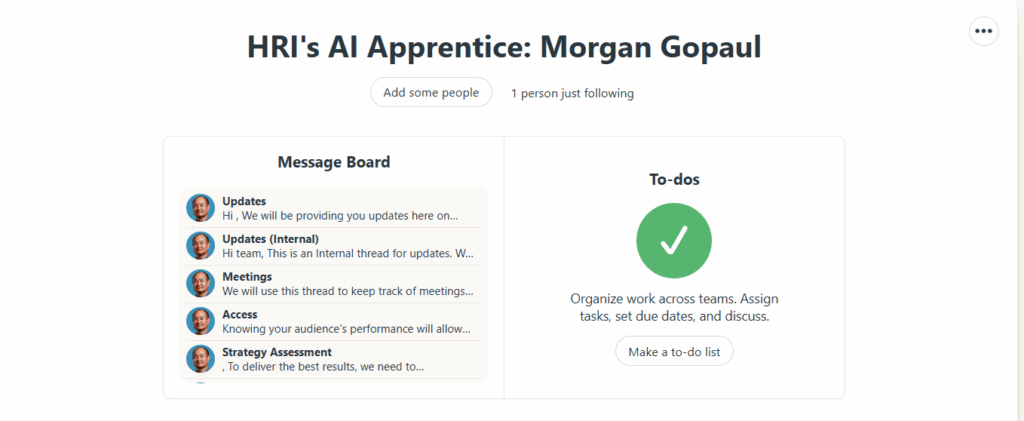
Post a “✅ Onboarding Complete” message in Basecamp.
Tag the apprentice.
Done! They’re Officially Onboarded
Once the checklist is completed, the apprentice is now ready to start contributing to real projects, attend Office Hours, and advance through our levels of mastery.
In this episode, Dennis Yu discusses mindset shifts necessary for local service success while climbing in the Dolomites. He shares insights on how to achieve personal and professional growth while scaling up local service businesses.
If you’re a young adult or the parent of one, consider joining High Rise Academy to learn marketing skills that get results: https://highriseinfluence.net/high-rise-academy/
If you run a local service business and want your son or daughter to take over the digital marketing, here’s a practical path—grounded in what actually worked on real projects, not theory. Dennis Yu, Jack Wendt, and Dylan Haugen recently sat down to discuss how parents can help their kids become successful AI apprentices through the High Rise Academy, sharing what’s working, what young adults are learning, and how families can apply these lessons to real businesses.
Why Teens are a Great Fit and how to Test it Fast
During the discussion, Dennis explains why young adults often pick up AI tools faster than seasoned professionals. They tend to reason with AI instead of treating it like a search bar. Jack suggests a simple test for parents: have your teen open voice mode and talk through a problem with the AI for five minutes—then ask it to outline next steps. Speaking out loud encourages richer prompts and better plans. A second quick test, mentioned by Dylan, is to record a simple one-minute video explaining what your business does and who it helps. That short clip becomes raw material for posts, a blog, and even a lightweight ad.
Dennis shares how this exact process helped a cosmetic dentist in Atlanta. The team started with plain, phone-shot videos about smile makeovers, the doctor’s process, and the office itself. Those clips were repurposed into website articles, Google Business Profile updates, Instagram/TikTok posts, and ad variants—a single shoot fueling weeks of distribution. Businesses that follow the properly repurpose videos can multiply their reach without multiplying effort.
Doing, Measuring, and Iterating Weekly
Jack and Dylan emphasize that success comes from consistent action and feedback. Apprentices wire the digital plumbing first—analytics and call tracking—so we can see exactly which videos, pages, and ads move the needle. Every Friday, they submit an MAA (Metrics → Analysis → Action) report, a system Dennis developed to help keep projects data-driven and accountable.
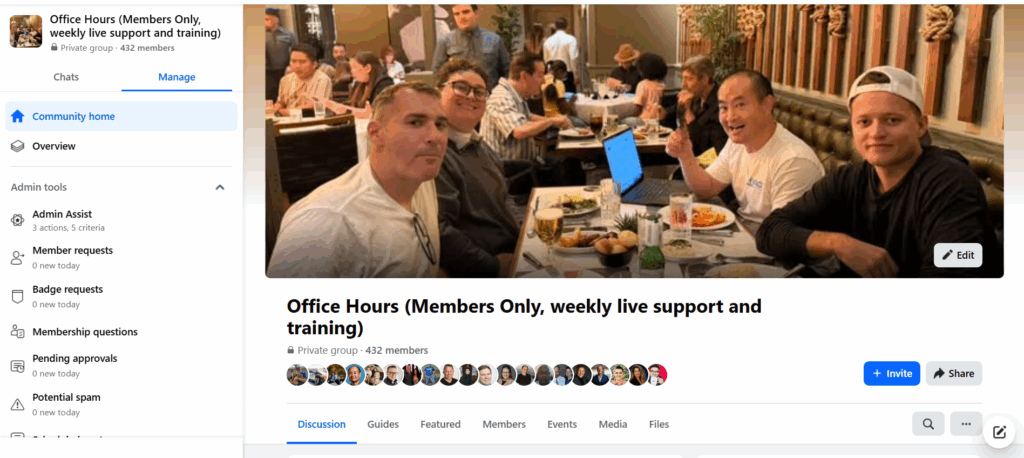
Accountability isn’t lonely: work is organized in Basecamp, and there are live office hours every Thursday at 2 p.m. Pacific where apprentices present campaigns and dashboards for critique. Dylan points out that this structure helps young marketers build confidence. On the dentist project, one weekly MAA revealed a patient-story clip outperforming equipment demos, leading the team to double down on testimonials across blog, reels, and ads.
Learning by Applying, not Just Taking a Course
Dennis and Jack share how this hands-on model grew from a six-week applied module at Johns Hopkins, where students paired with real local businesses—no simulated assignments. The same “learn → do → teach” framework powers the apprenticeship: learn a tactic, implement it on a live account, document it so the next person can repeat it. Dylan mentions that this approach taught him to solve real problems—like when he got stuck swapping a website image, used AI to troubleshoot it, and then documented the process so others could benefit.
What the Work Actually Looks Like
Capture: Short, authentic videos from the owner and team (think FAQs you answer daily).
Repurpose: Turn one clip into a blog post, a GBP update, two social cuts, and an ad variation—five outputs from one input.
Distribute: Publish across site, search, and social.
Measure: Track calls and form fills back to the specific asset and keyword.
Improve: Scale the winners, fix or drop the laggards.
On the dentist account, that flow moved the business from “invisible online” to a steady stream of measurable calls—because Google could finally “see” the same reputation locals already knew.
What Success can Look Like
Dennis recalls Sal Sciorta, from Plumbing Pros in Eastern Pennsylvania, which followed the same framework. Revenue grew from roughly $30–40k/month to nearly triple, and marketing was intentionally dialed down while the team hired to meet demand. Growth became manageable and repeatable, rather than chaotic.
Compensation also evolves with results. Dylan, who began as an apprentice, advanced from $17/hour to $25/hour through performance and client satisfaction—not time on the clock. Along the way, he built lasting professional assets like a personal brand website and Google Knowledge Panel, helping him stand out in search results. These principles mirror what we teach for building your personal brand on Google, where visibility and credibility reinforce one another.
Who Thrives in This Model
Jack notes that strong communication and self-management are key indicators of success. Apprentices who try, measure, and then ask targeted questions grow quickly. Remote teamwork is part of the experience—Dennis and his team span multiple time zones—but the shared MAA process and weekly reviews keep everyone on track.
Why This Beats Influencer Thinking
Dennis often reminds parents that their kids don’t need viral fame to make an impact. Local businesses grow by showing up consistently in maps, search, and social with authentic content. Genuine videos, regular updates, and measurable results build trust faster than follower counts ever could.
He and the team emphasize that success comes from visibility within your community, not popularity online. When your content reflects real stories, honest expertise, and steady improvement, Google and AI tools start recognizing your business as the local authority—helping you win right where it matters most.
Partnering to Build the Next Generation
The conversation between Dennis, Jack, and Dylan shows how this program blends mentorship, accountability, and applied learning. Parents who want to give their kids real-world marketing experience—and see results for their own business in the process—can join forces with High Rise Academy. The program pairs young adults with experts who guide them through real projects, helping them gain confidence, technical skill, and a clear career direction while supporting your local business growth.
What do you get when you combine a day of grind with a Vegas food crawl? A behind-the-scenes look at how Jack Wendt and I turn a trip into content gold. We started at Eataly on the Strip for authentic Italian bites before diving into the mind-bending optical tricks at the Paradox Museum. Between the attractions we were talking shop about building brands and training our young agency apprentices – because when you love what you do, the line between work and play blurs.
From there, we hopped to a couple of comedy clubs to soak in some laughs and share stories from the trenches. And because no Vegas day is complete without overindulgence, we wrapped up with an all-you-can-eat sushi feast that tested our appetite and our ability to keep a straight face on camera.
Check out the full video above for the unfiltered, whirlwind day in Vegas — then head over to Jack Wendt for more of his adventures. For my insights on marketing, building agencies and making the phone ring for local businesses, visit Dennis Yu. Let us know your favorite Las Vegas spots in the comments — maybe we’ll feature them next time.
Unlock the full potential of your franchise’s marketing by training a young adult—your son, daughter or a team member—to become a dedicated digital marketing and AI-powered social media expert. In this video, Dennis Yu and Jack Wendt explain how a one-year program equips them with the tools and strategies to manage the Content Factory process for your local service business.
This program includes:
Weekly Office Hours and coaching
Full access to all training materials
Hands-on support with analytics, ads, and websites
A community of peers and mentors
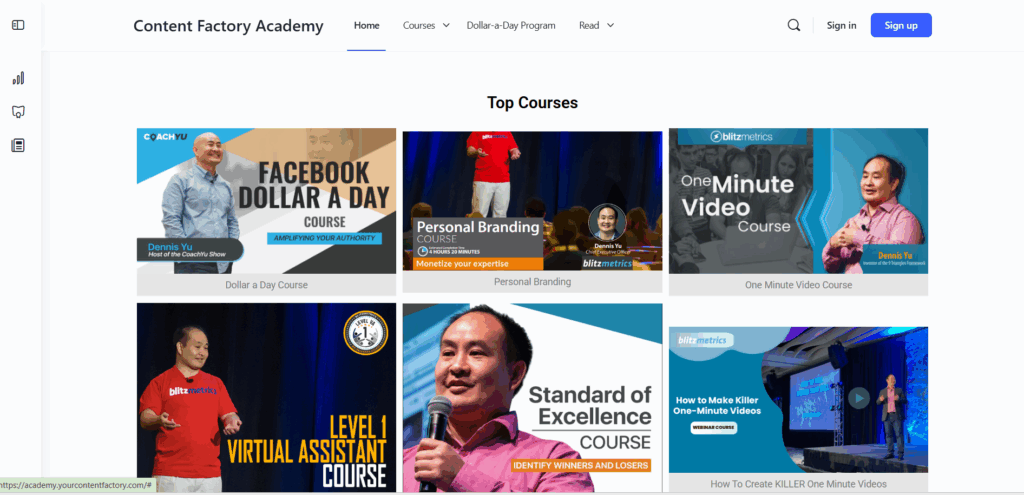
The curriculum is built on proven methods used by major brands like Red Bull and Nike and thousands of local service businesses. Think of it as trade school for digital marketing—tailored specifically for your franchise.
If you’re ready to give a young adult the opportunity to grow into your business’s marketing champion, watch the video and learn how to enroll them today.
In this video, Jack and Dennis discuss how young adults can help fix the digital marketing for their parents’ businesses. They share practical insights into advertising, content creation, and SEO fundamentals.
If you’re a young adult looking to build real marketing skills and serve local businesses, check out the High Rise Academy program to get hands-on training and mentorship.