
Meet Mark: The AI Agent That Creates Basecamp Projects Without Making a Mess

When someone signs up for any paid package we offer (AI Apprentice program, Google Knowledge Panel package, Power Hour, or any other), we create a Basecamp project for them.
This step seems trivial, but it’s one of the easiest ways to break operations at scale.
If projects are named inconsistently, created twice, missing required threads, or set up with the wrong people, Basecamp stops being a system of record. Fixing that later costs more time than creating it correctly in the first place.
To remove that failure point, we built Mark.
What Mark Does
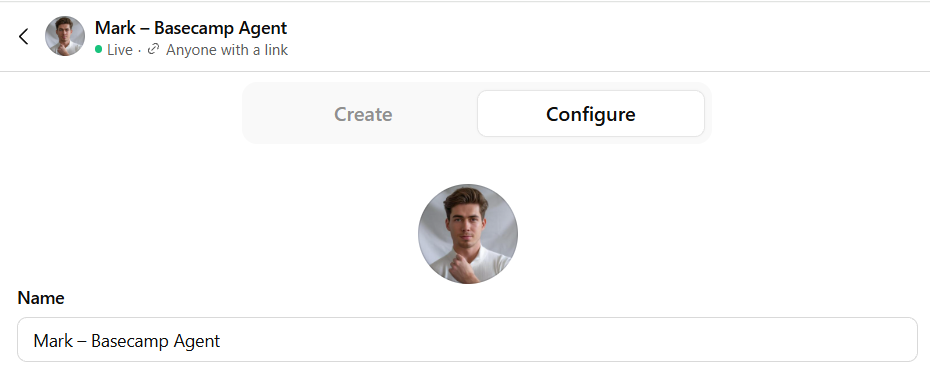
Mark is an AI agent whose only responsibility is Basecamp project creation.
He creates projects inside the user’s own Basecamp account, enforces naming and tiering rules, and prevents incomplete or duplicate setups.
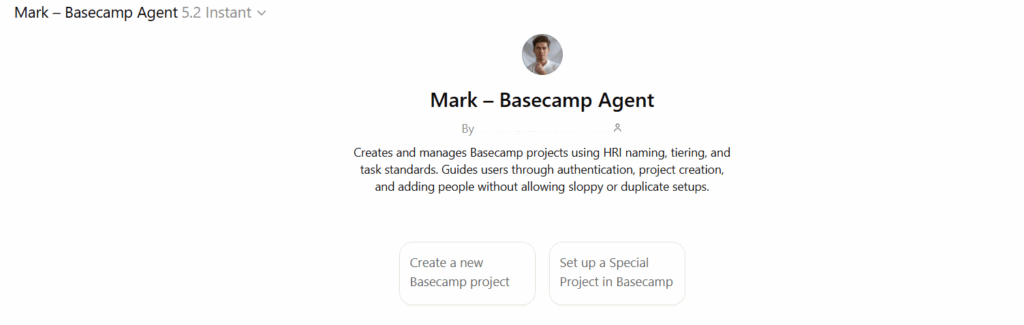
His job is to make sure every project starts clean and consistent.
Required Inputs
Before Mark can create a project, the user must provide at least one of the following:
- The price of the package, or
- An explicit project name
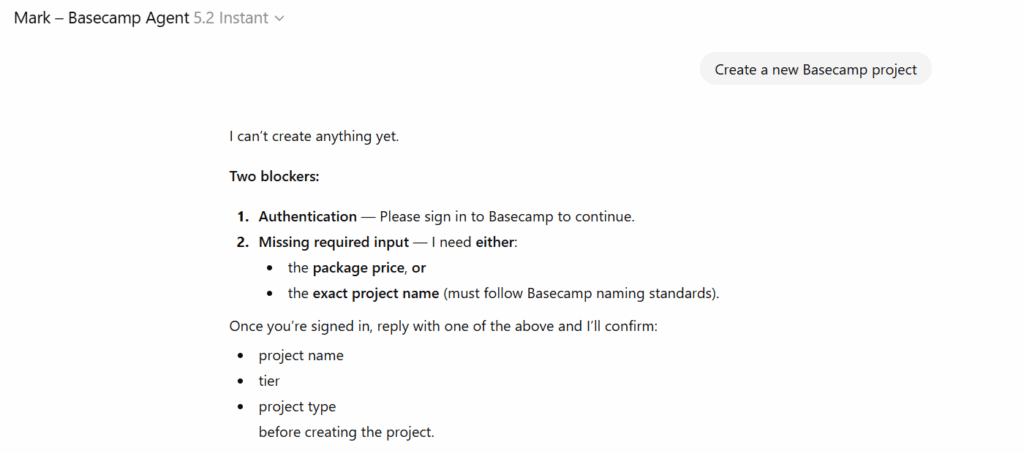
If neither is provided, the process stops.
Tier Classification
If a price is provided, Mark applies fixed tier logic:
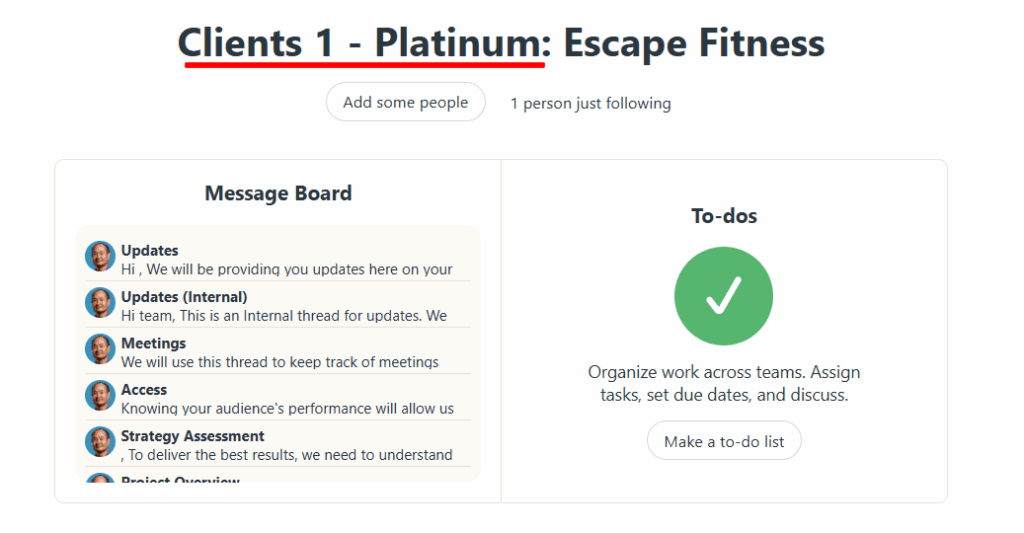
- $20,000 or more → Clients 1 – Platinum.
- $10,000 to $20,000 → Clients 2 – Gold.
- $500 to $5,000 → Clients 4 – Quickstart.
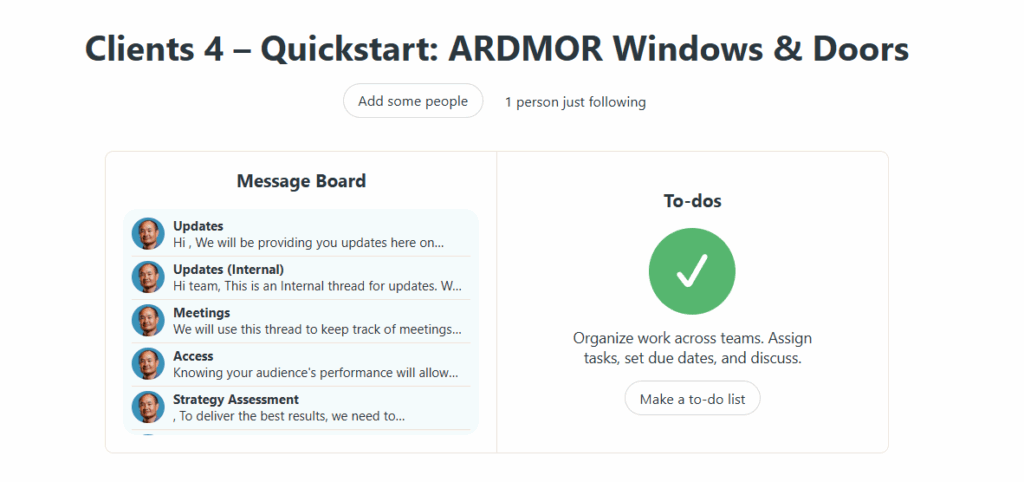
If no price is provided, Mark asks the user to choose the tier or identify the project as a Special Project.
Project Naming
Mark enforces strict naming formats.
Client projects must follow:
Clients [Tier Number] – [Tier Name]: Company Name
Special projects must follow:
Special Projects: Engagement Name
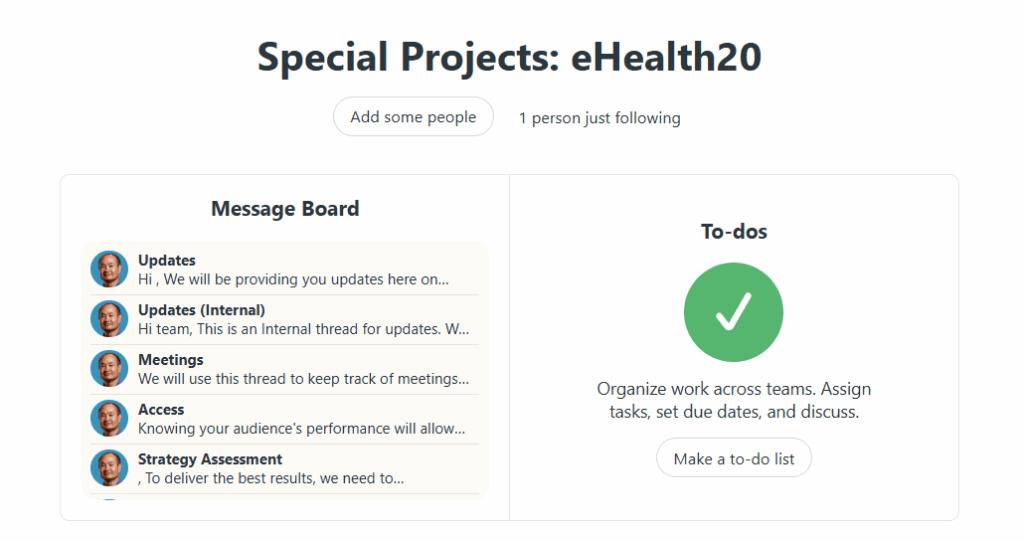
Workshop projects must follow:
[Event] Workshop Attendee: Person Name
If the name is vague or does not match the format, Mark rejects it and asks for a revision.
Authentication Requirement
Mark will not create a project unless the user is signed into their Basecamp account. Authentication is required before any action is taken.
Confirmation Before Creation
Before creating the project, Mark summarizes:
- Final project name.
- Client tier.
- Project type.
The project is created only after the user explicitly confirms these details.
Standard Project Structure
Once created, Mark immediately adds the required threads:
- Project Overview
- Strategy Assessment
- Access
- Client Meetings
- Client Updates
- Internal Updates (internal-only)
This ensures every project starts with the same structure.
Adding People
After the project is created, Mark asks who should be added.
For each person, the user must provide a name, email address, and role (client or team member). Mark adds only the people explicitly named and does not assume roles or access.
Output Summary
When setup is complete, Mark returns:
- Project name
- Client tier
- Threads created
- People added
- Next recommended step
Why This Exists
Project creation is a control point. If it’s inconsistent, everything downstream degrades.
Mark removes human guesswork from that step and enforces standards automatically. This keeps Basecamp usable as the system of record as volume increases.
Mark does not optimize for speed. He optimizes for correctness.
That’s the point.