
AI Apprentice Onboarding Checklist

Welcome to the AI Apprentice program, where you’ll learn how to build, automate, and execute real marketing systems using AI the right way.
This checklist is what our Operations team follows every time we onboard a new apprentice.
It ensures each person has access to all the tools, training, and communities they need to succeed from day one.
Step 1: Create the Basecamp Project
Create a new Basecamp project for the apprentice.
Use the naming format:
HRI’s AI Apprentice – [Full Name]
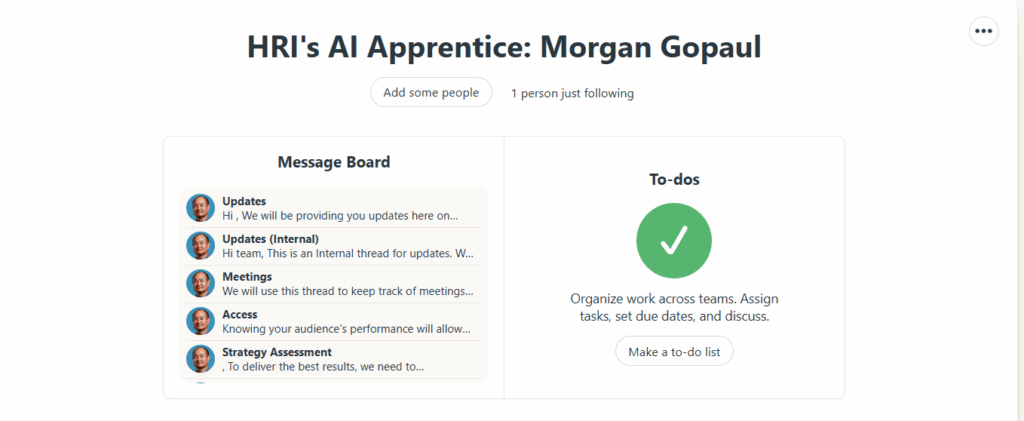
Add:
Post the welcome article inside Basecamp:
Welcome to the AI Apprentice Program
Step 2: Give ChatGPT Business Account Access
Send an invite to the apprentice’s email for our ChatGPT Business Account.
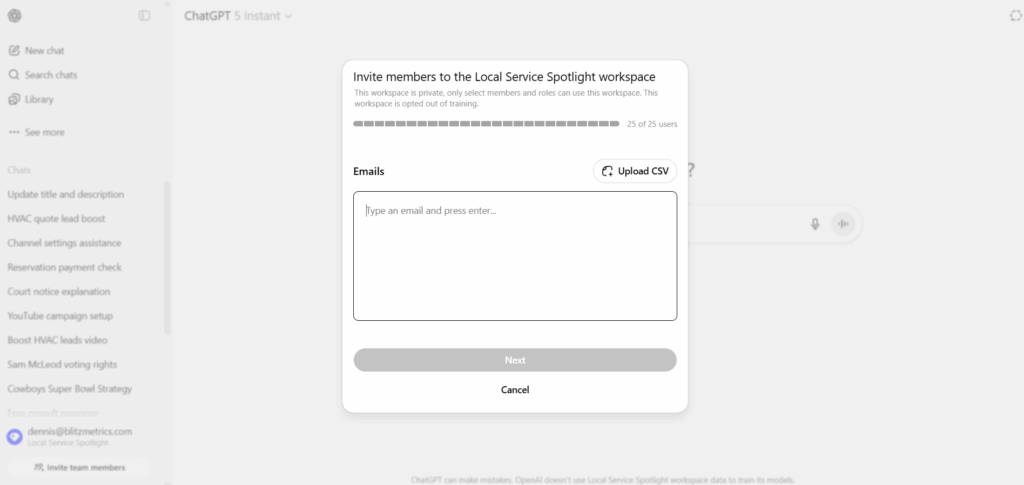
This gives them full access to team workspaces and custom GPTs.
Step 3: Invite to Private Facebook Group
Invite the apprentice to our private community:
Office Hours with Dennis Yu Facebook Group
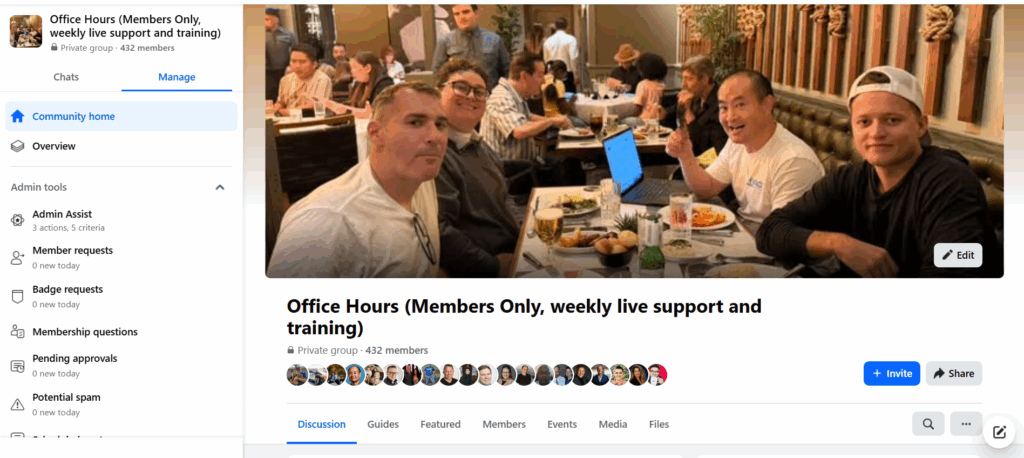
Encourage them to introduce themselves with a short video or post.
Step 4: Share Live Office Hours Info
Give the apprentice the recurring link to our weekly Office Hours:
- Every Thursday at 2 PM PST.
- Format: Live Q&A, real-time audits, and apprentice showcases.
Remind them to come prepared with a progress update.
Step 5: Grant Academy Access
Provide login credentials to the Academy, which includes over 150+ paid courses they get free access to.
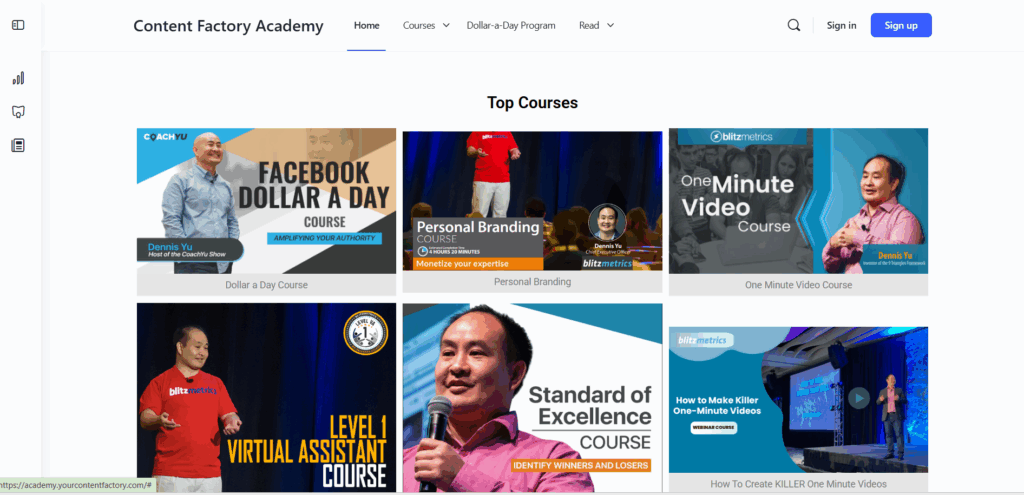
Confirm they can log in and navigate the dashboard.
Step 6: Share Level 1 VA Guide
Send the Level 1 VA Guide, which covers:
- Our Content Factory process.
- Task structure and documentation standards.
- How to report daily updates and submit completed work.
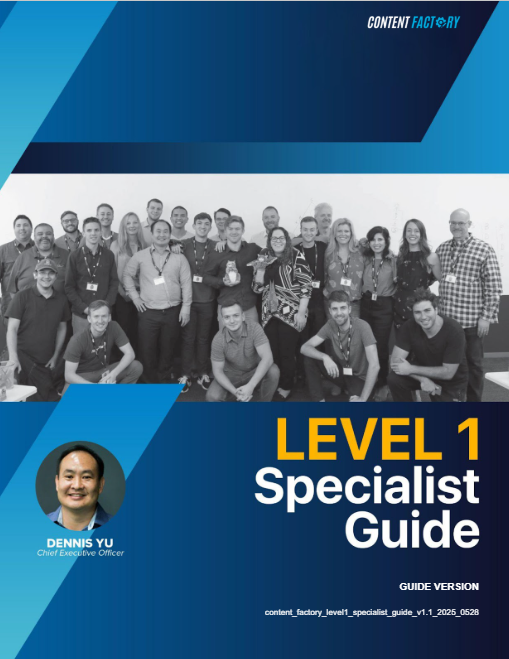
Confirm they review it within their first 48 hours.
Step 7: Introduce MAA (Metrics > Analysis > Action)
Each apprentice must complete a weekly MAA every Friday to build real data analysis habits.
Share both reference articles:
- How to Do MAA Like a Pro
- https://www.digitalmarketer.com/blog/data-and-how-to-optimize-like-a-champ/
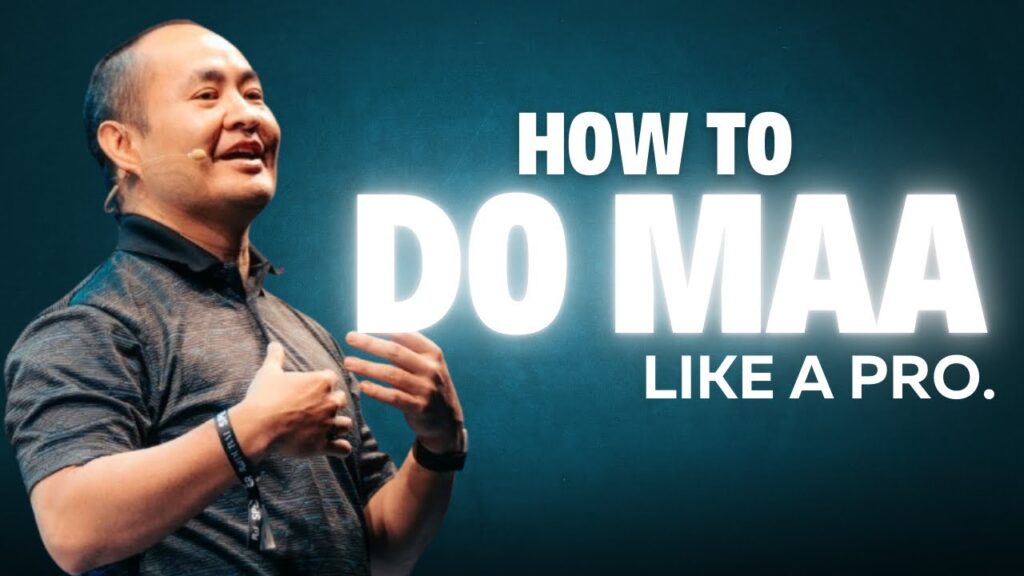
Remind them:
Every Friday = MAA time.
Review data, analyze what it means, and suggest next actions.
Step 8: Encourage YouTube Learning
Share Dennis Yu’s YouTube Channel:
Dennis Yu on YouTube
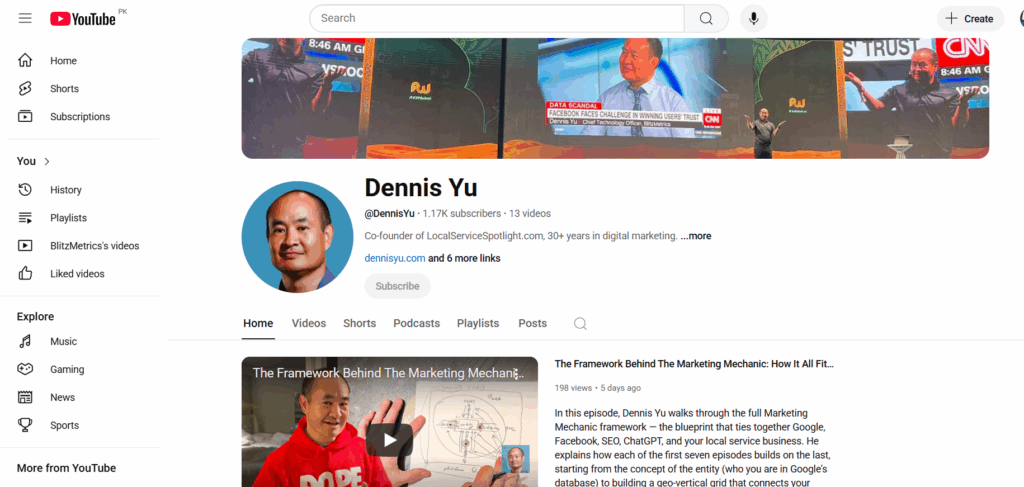
Assign them to watch 3–5 recent videos.
Step 9: Confirm Completion
When all steps are done:
- Tick each item in the internal tracking sheet.
- Post a “✅ Onboarding Complete” message in Basecamp.
- Tag the apprentice.
Done! They’re Officially Onboarded
Once the checklist is completed, the apprentice is now ready to start contributing to real projects, attend Office Hours, and advance through our levels of mastery.