How to Get Into Basecamp

Welcome to the team!

We use Basecamp to manage all client communication, deliverables, and updates. It keeps everything organized; no messy email threads or lost attachments.

Here’s how to get started the right way.

1. Accept the Invitation

After we add you to your project, you’ll receive an email from Basecamp with the subject line:

“You’ve been invited to Basecamp!”

If you don’t see it, check your spam or promotions folder.

Click the join project or accept invitation button in that email.

2. Create or Log In to Your Account

If this is your first time using Basecamp:

— Click create an account and use the same email address where you received the invite.

— Set a password you’ll remember.

If you already have a Basecamp account: just click log in and you’ll be added to our workspace automatically.

3. Access Your Project

Once you’re in, you’ll see your project (for example, “AI Apprentice Program” or your business name).

Click on it to open your workspace.

Inside you’ll find:

  • Messages: announcements and updates from our team.
  • To-Dos: tasks and milestones we’re tracking.
  • Docs & Files: all shared assets, templates, and deliverables.
  • Campfire: a group chat for quick discussions.

Tip: Bookmark your Basecamp project page so you can access it anytime.

4. Add Your Team (Optional)

If you have team members who should be looped in (like an assistant, marketing lead, or operations manager) let us know.

We’ll invite them too, so communication stays transparent and efficient.

5. Need Help Logging In?

If you see an error like “You don’t have access”, it usually means:

  • You’re using a different email than the one invited, or
  • The invite link expired (they do after a while).

No problem, just reply to your onboarding email or email Operations, and we’ll reset your access right away.

Final Tip

Basecamp is your control center for everything we do together. Keep notifications on, and check in at least once a week for updates, approvals, and progress reports.

Welcome aboard; we’re glad to have you!

Don’t Tag Me in Basecamp — Here’s Why

Every time someone tags me in Basecamp, I get two emails for the same message: one for the post, and one for the mention.

Multiply that by dozens of projects, and you’ve just doubled the noise in an inbox that already gets over a thousand emails a day.

I manage 1,000 emails a day. Every unnecessary ping pulls me away from the high-value work that keeps everything moving: strategy, client relationships, training, and developing the next generation of digital leaders.

Tagging me in Basecamp might seem like a quick way to get my attention, but it actually creates friction.

It breaks the system we built to keep communication smooth, focused, and accountable.
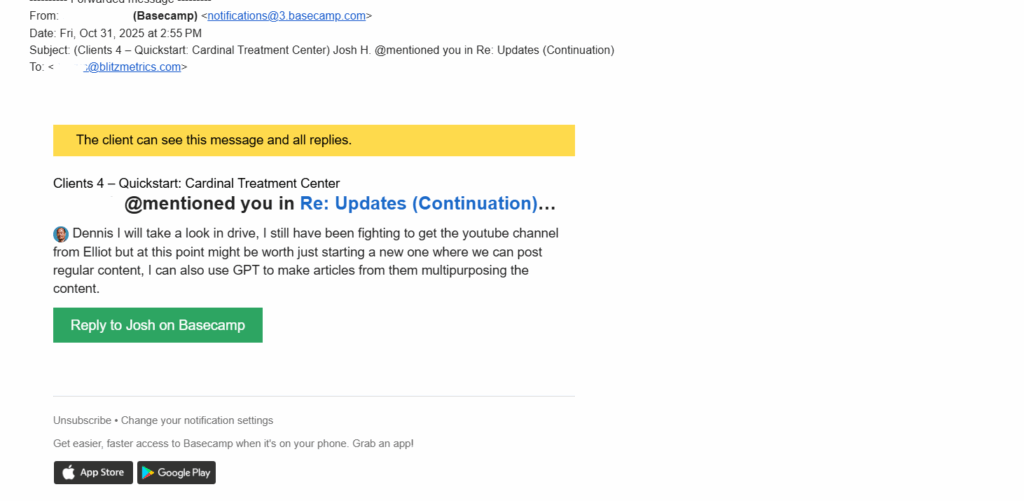
A team member tagged me in the Basecamp project of Cardinal Treatment Center

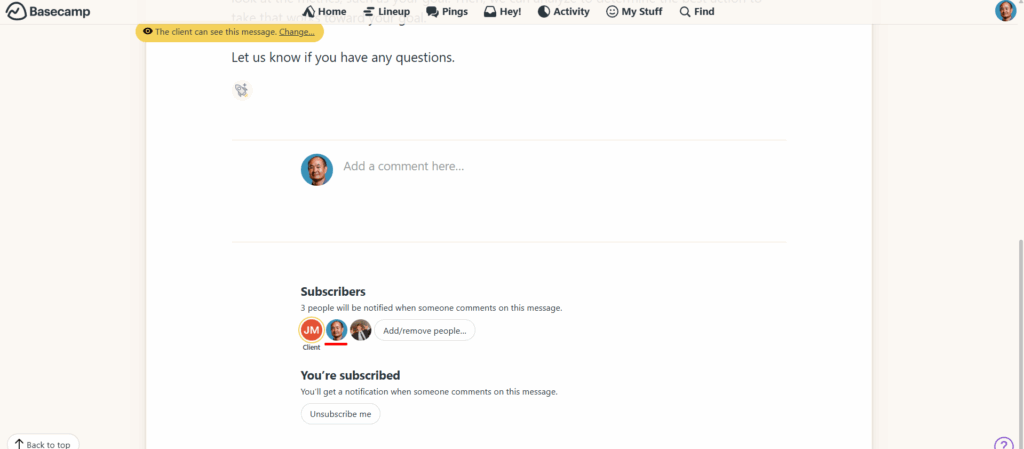
If I’m subscribed to a Basecamp thread, I already get the message.
Practice RACI

Basecamp is where we document work.

We always practice RACI:

  • R = Responsible (the person doing the work).
  • A = Accountable (the person ensuring it gets done).
  • C = Consulted (people giving input).
  • I = Informed (people who just need to know).

When you tag someone just to make sure they “saw it,” you’re bypassing that structure.

It’s like cutting across traffic because you don’t feel like waiting for the light; it might save a second, but it causes chaos.

We Built Systems for a Reason

We created the Level 1 Guide to make this process easy for new folks and anyone who hasn’t worked in a high-functioning team before. It’s all spelled out, who does what, where updates go, and how to communicate clearly without creating extra noise.

Following these systems is about protecting focus.
Every time you skip the system, you create work for someone else and that ripple effect slows everyone down.

The Bottom Line

Don’t tag me in Basecamp.
If I need to be looped in, assign the task to the right person and let the process work.
If it’s truly urgent, use the proper channels.

We win by running clean systems, not by shouting louder in the digital hallway.